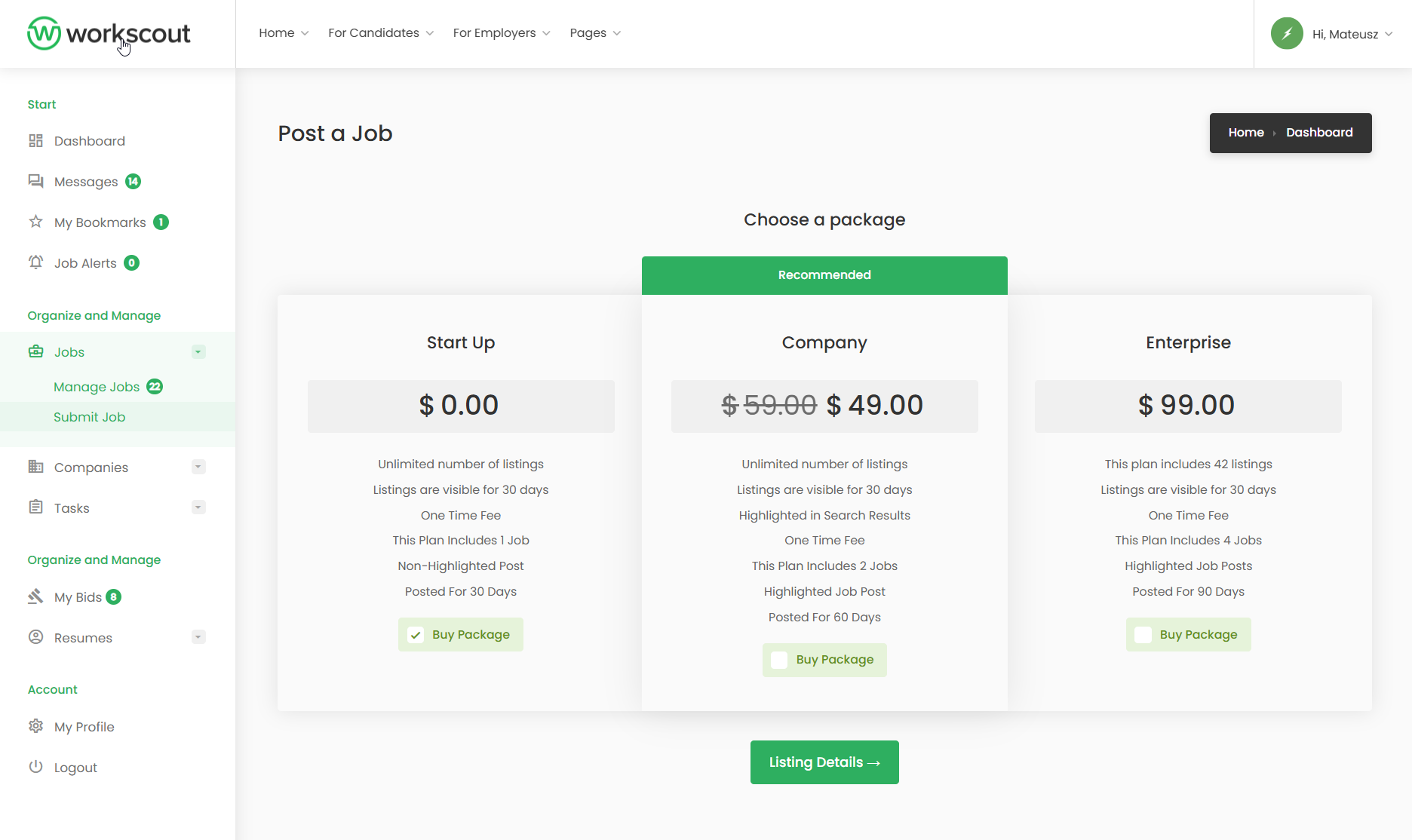
Enabling / Disabling Fields
Basic changes can be done in WorkScout Core → Form Fields Visibility → Job Fields where you can enable or disable fields you want.
For text changes from english to english use plugin such as the Say What Plugin. If you’d like to translate fields to other language than english please refer to article: Translating theme and plugins →
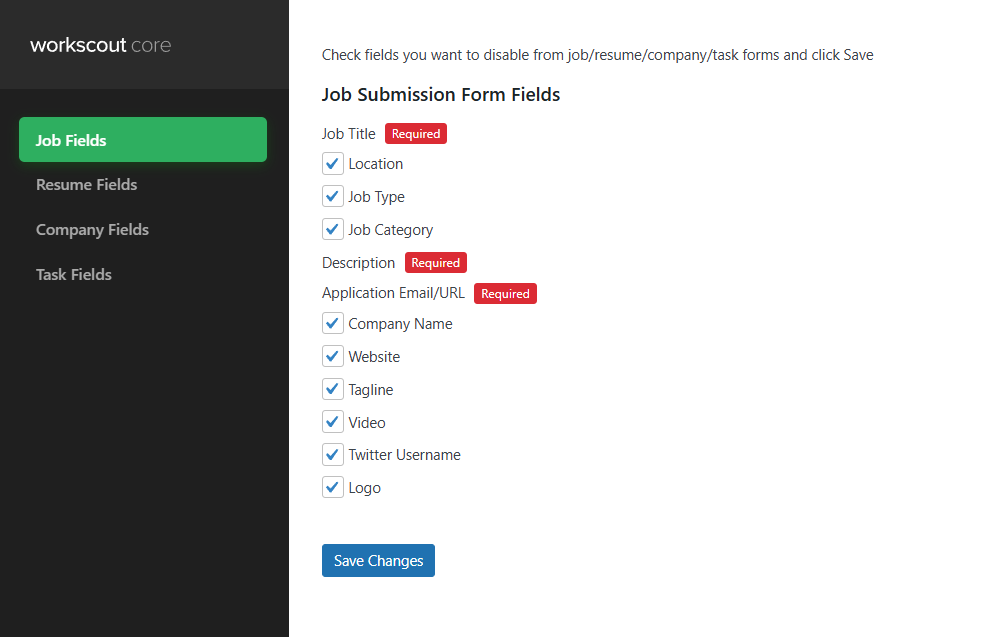
Drag & Drop Editor
Use a 3rd party plugin such as https://plugins.smyl.es/wp-job-manager-field-editor/ which has a UI for field editing.
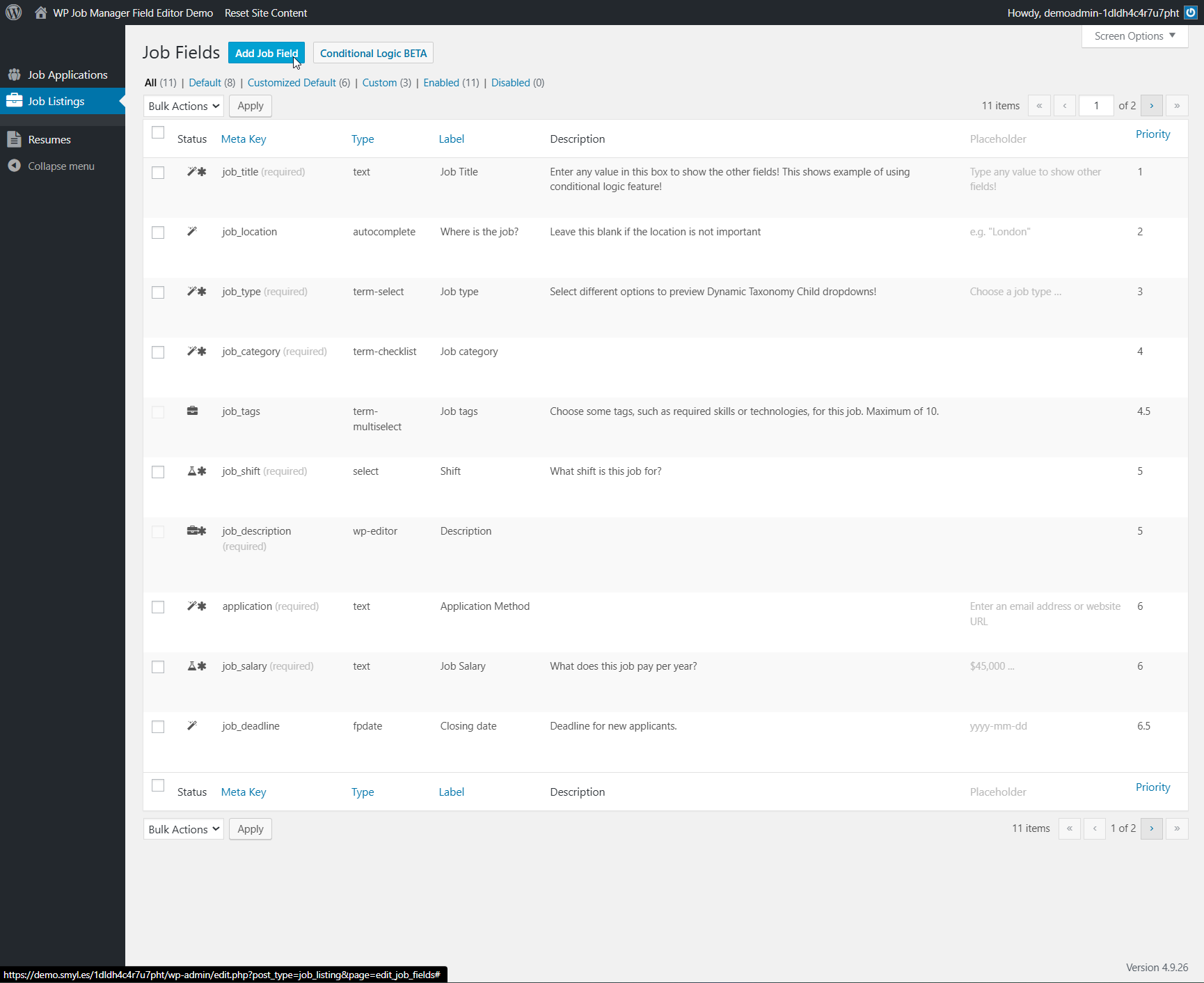
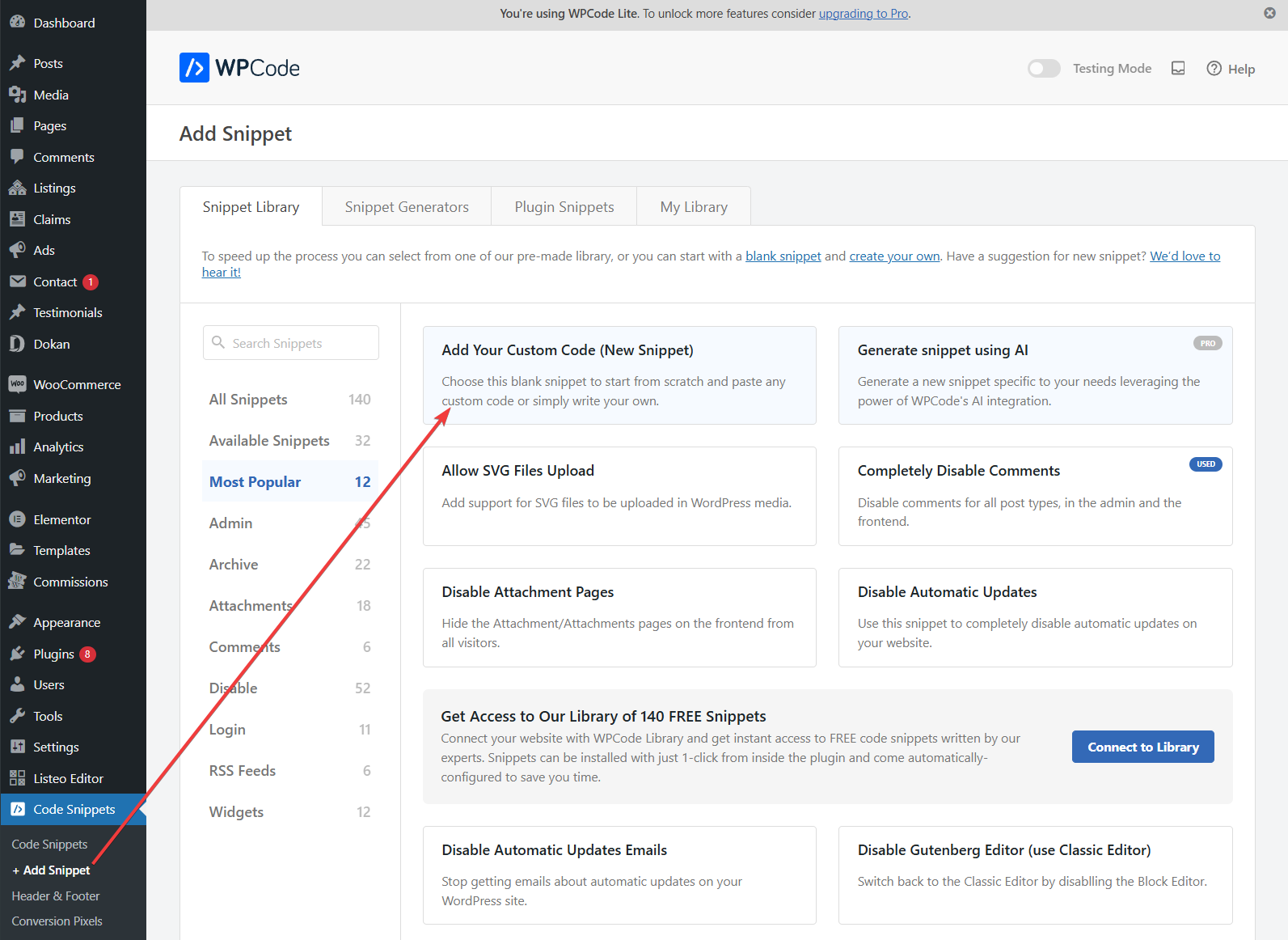
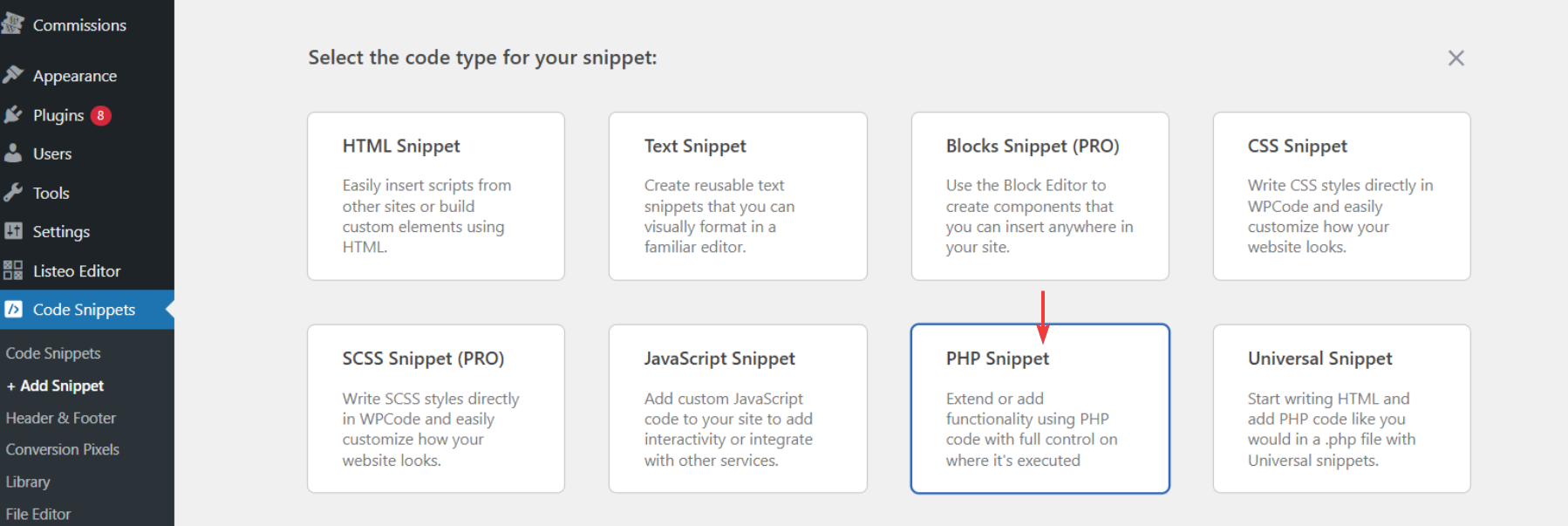
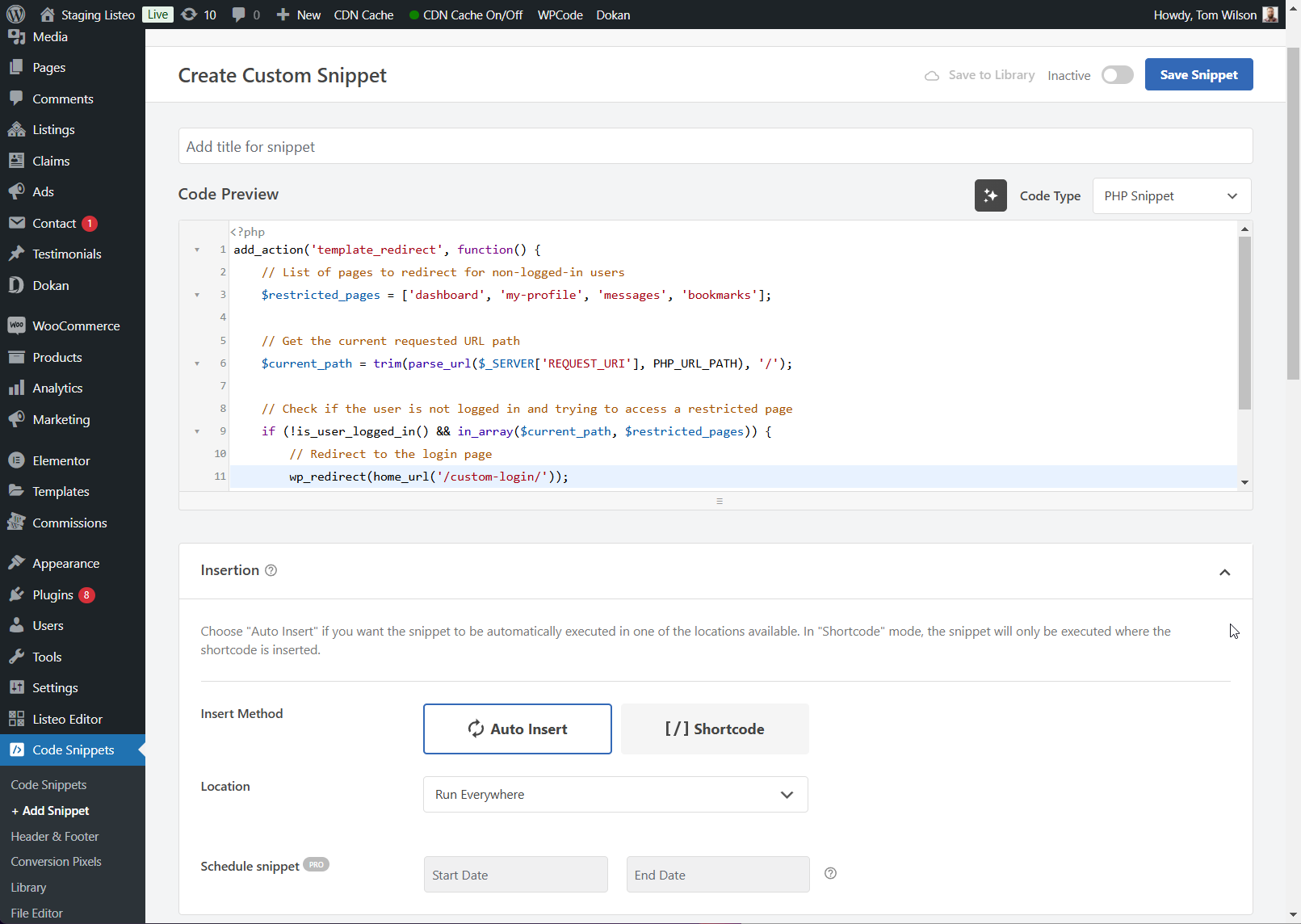
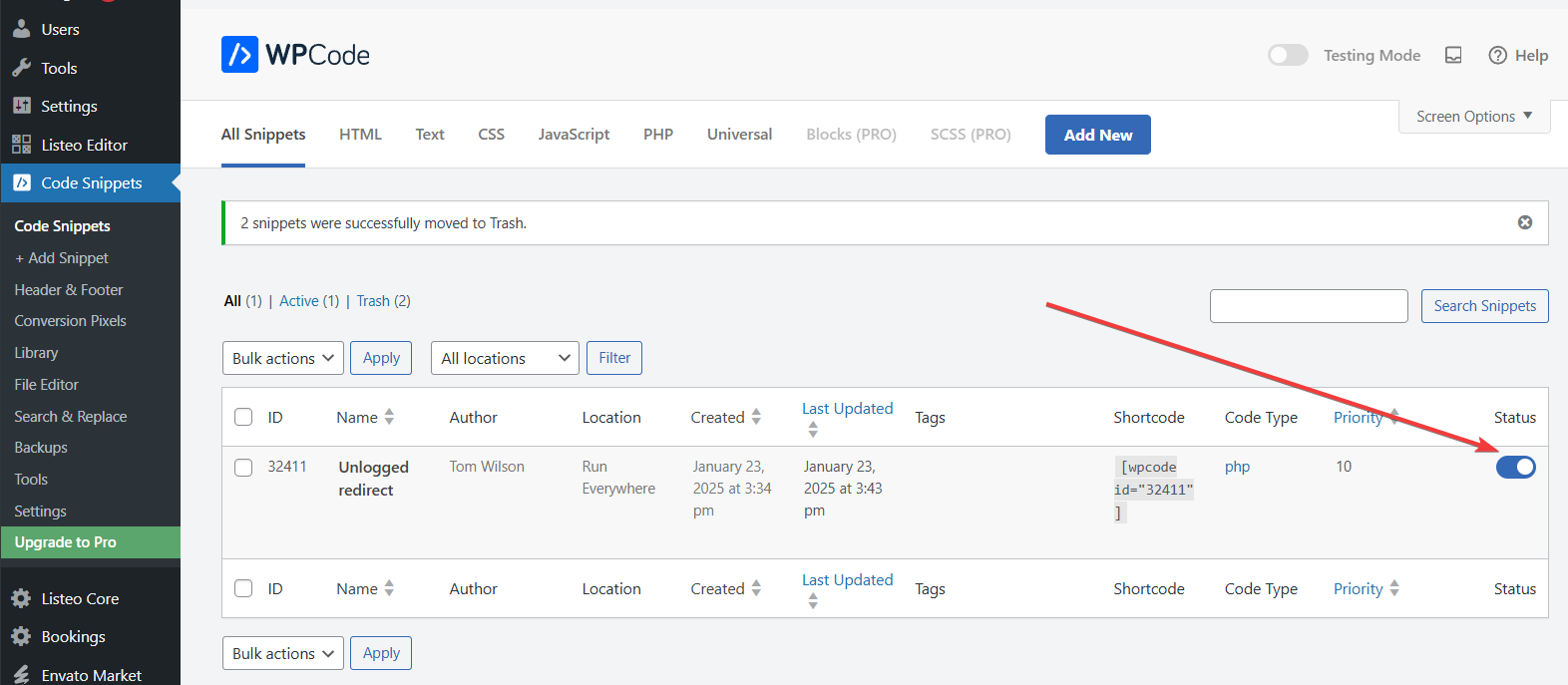
Editing fields on the frontend using PHP snippet
Editing job submission fields is possible via the submit_job_form_fields filter. Adding some code will allow you to edit various fields, or add new ones.
See the below example which demonstrates how to change a field’s label:
// Add your own function to filter the fields
add_filter( 'submit_job_form_fields', 'custom_submit_job_form_fields' );

// This is your function which takes the fields, modifies them, and returns them
// You can see the fields which can be changed here: https://github.com/mikejolley/WP-Job-Manager/blob/master/includes/forms/class-wp-job-manager-form-submit-job.php
function custom_submit_job_form_fields( $fields ) {

// Here we target one of the job fields (job_title) and change it's label
 $fields['job']['job_title']['label'] = "Custom Label";

// And return the modified fields
 return $fields;
}
View the full list of core fields in this file: https://github.com/mikejolley/WP-Job-Manager/blob/master/includes/forms/class-wp-job-manager-form-submit-job.php
Editing fields in admin
Fields in admin are of similar structure and can be edited using the ‘job_manager_job_listing_data_fields’ filter. Each field takes a label, placeholder, type and description arguments.
See the below example which demonstrates how to change a field’s placeholder:
 // Add your own function to filter the fields
 add_filter( 'job_manager_job_listing_data_fields', 'custom_job_manager_job_listing_data_fields' );

// This is your function which takes the fields, modifies them, and returns them
 // You can see the fields which can be changed here: https://github.com/mikejolley/WP-Job-Manager/blob/master/includes/admin/class-wp-job-manager-writepanels.php
 function custom_job_manager_job_listing_data_fields( $fields ) {

// Here we target one of the job fields (location) and change it's placeholder
 $fields['_job_location']['placeholder'] = "Custom placeholder";

// And return the modified fields
 return $fields;
 }
View the full list of core fields in this file: https://github.com/mikejolley/WP-Job-Manager/blob/master/includes/admin/class-wp-job-manager-writepanels.php