
Employer Role
Employers can create and manage their job listings / tasks via the Jobs Dashboard, where they can view, edit, mark as filled, or delete their posts. Only the logged-in employer can see their own listings.
If you need to customize the capabilities of the ’employer’ role, you’ll need to use a plugin such as User Role Editor.
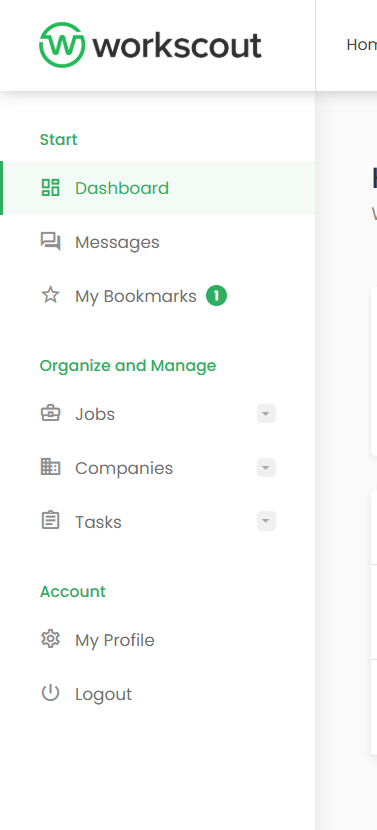
Employers have access to: messages, bookmarks, creating jobs/companies/tasks and my profile page
Candidate Role
Candidates get access to a personal Candidate Dashboard, where they can manage their resumes / freelancer profiles.
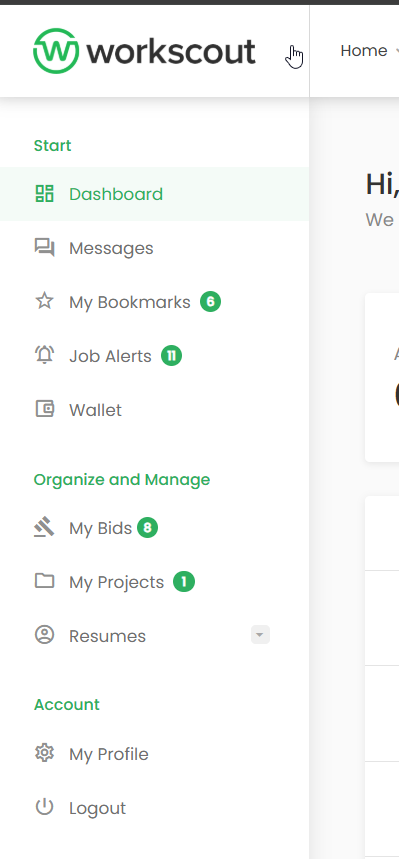
Candidates (freelancers have access to: Messages, bookmarks, job alerts, wallet, my bids (tasks they opted for), my projects (ongoing tasks in which they were employed), resumes (create online profiles)
Disabling Employer or Candidate user role.
If you’d like to disable one or both user roles go to: WorkScout Core → Registration → Hide Role field in Registration Form
Then set default role in Settings → General → New User Default Role
