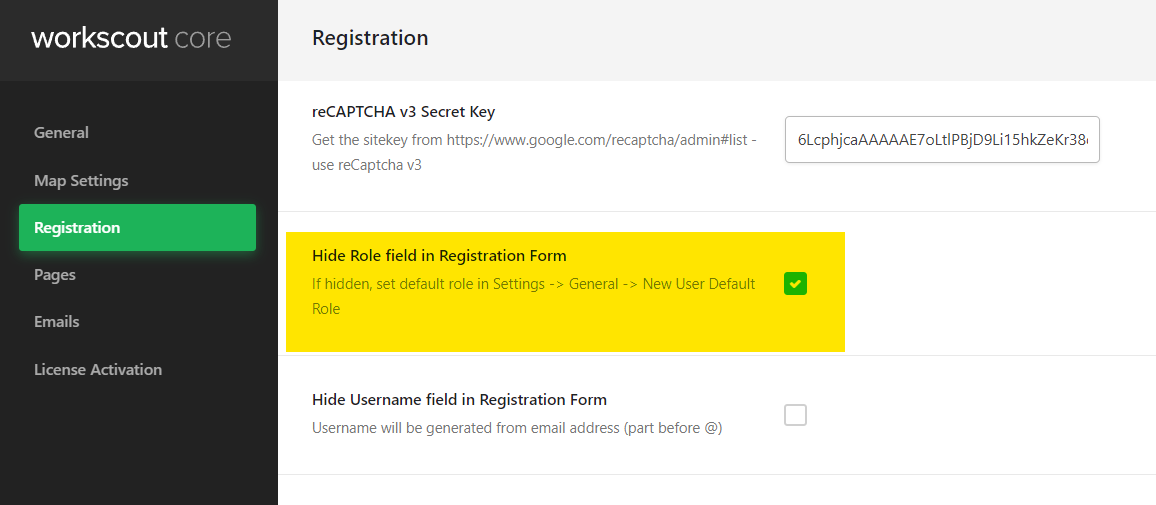
If you’d like to disable one of the mentioned user role head over to WorkScout Core → Registration → Hide role field in Registration field
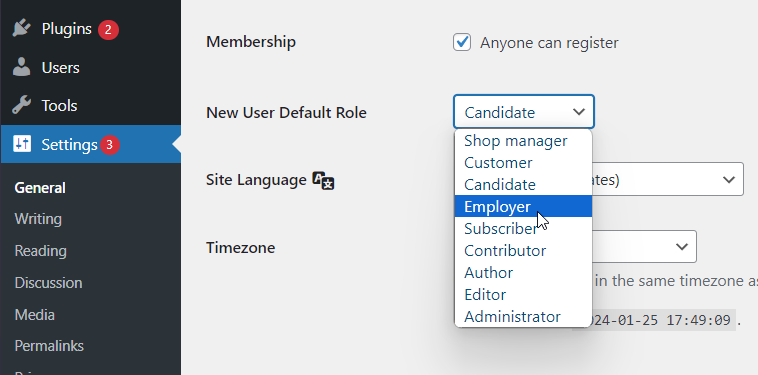
Then set default role in Settings → General → New User Default Role

Search through our knowledge base or submit a ticket to get answers 🙂
If you’d like to disable one of the mentioned user role head over to WorkScout Core → Registration → Hide role field in Registration field
Then set default role in Settings → General → New User Default Role

