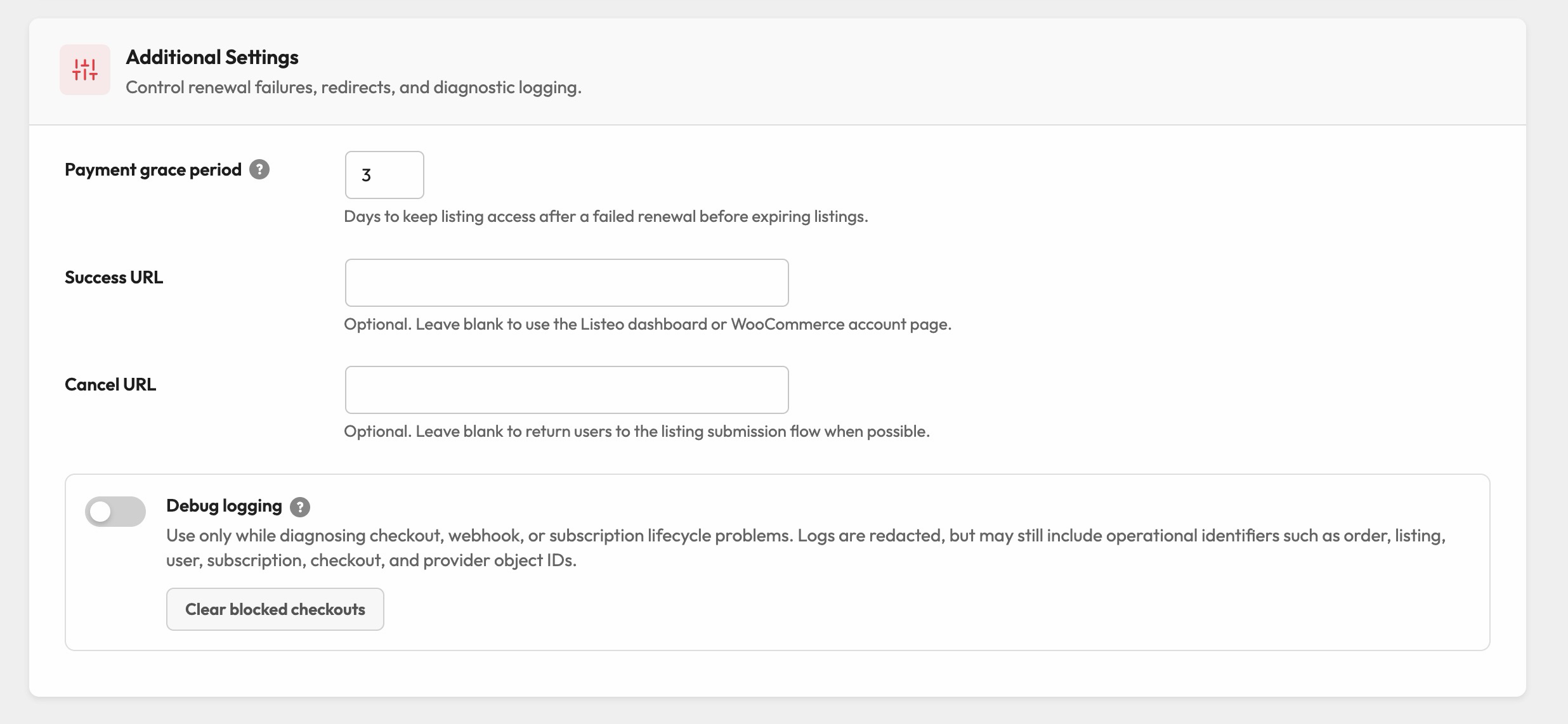
Buying a package: the smooth checkout flow without WooCommerce
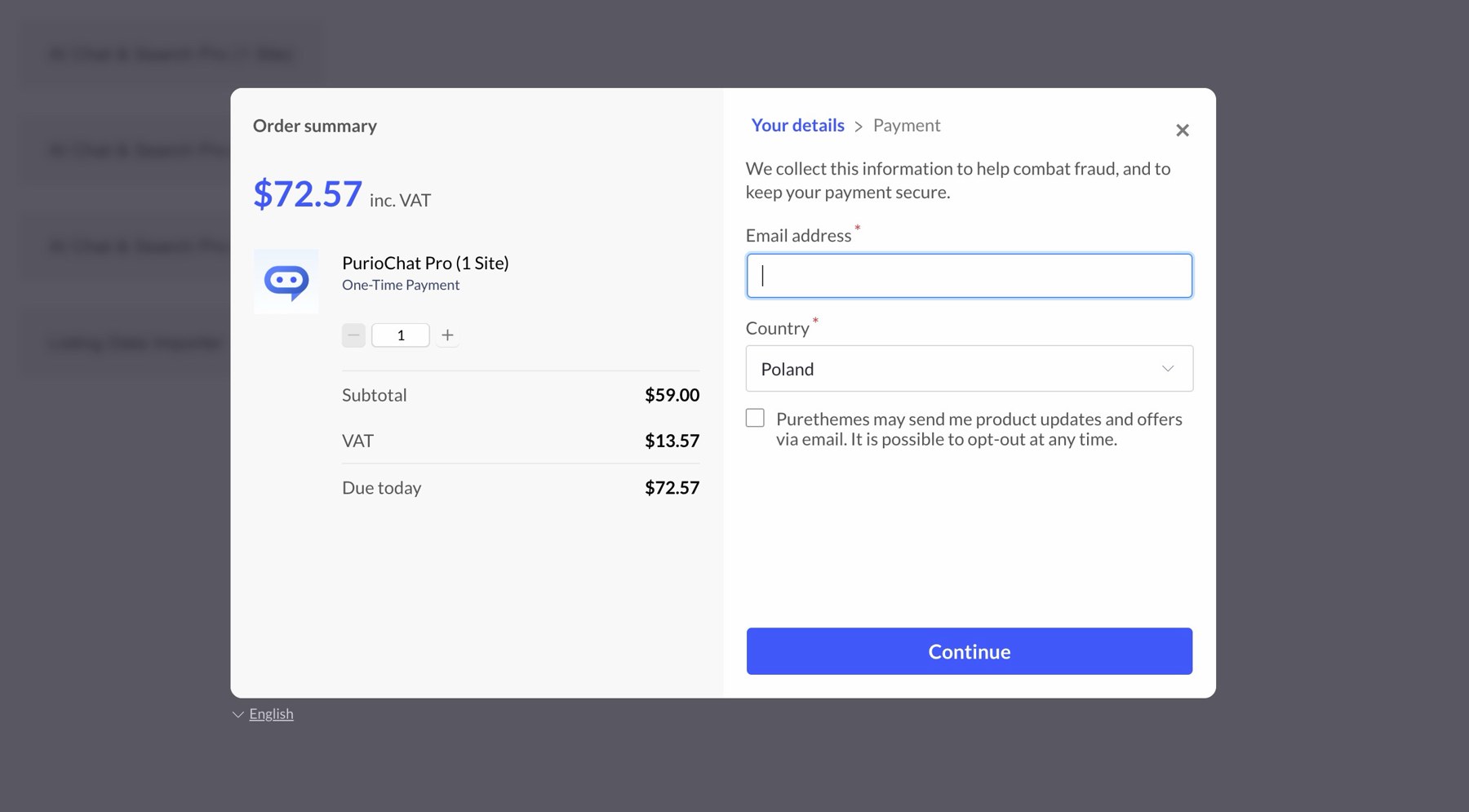
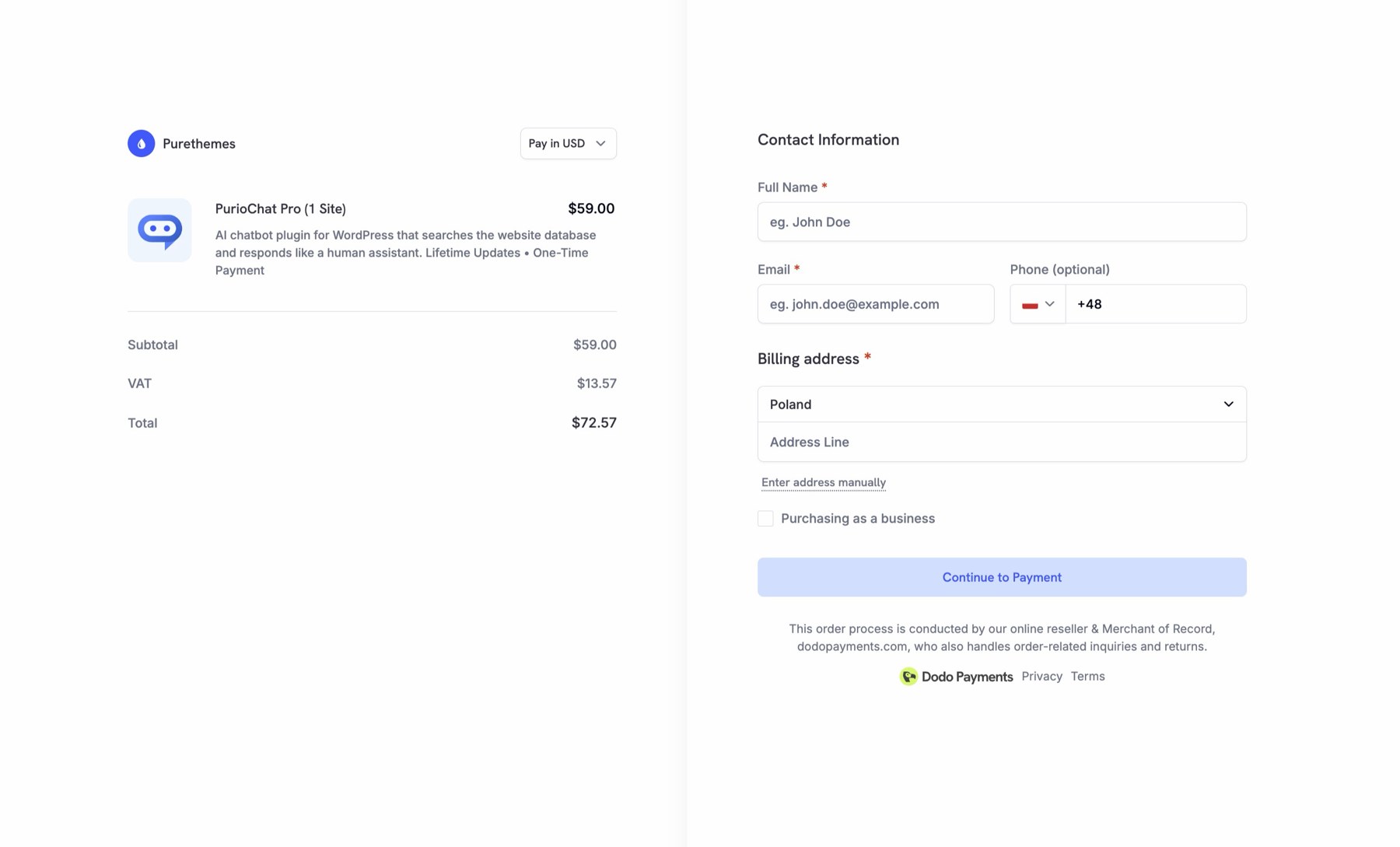
Your customer picks a recurring package just like any other package. From there the plugin takes over and hands them off to your payment provider for the actual payment. WooCommerce is entirely skipped.
- The customer selects a recurring package as normal.

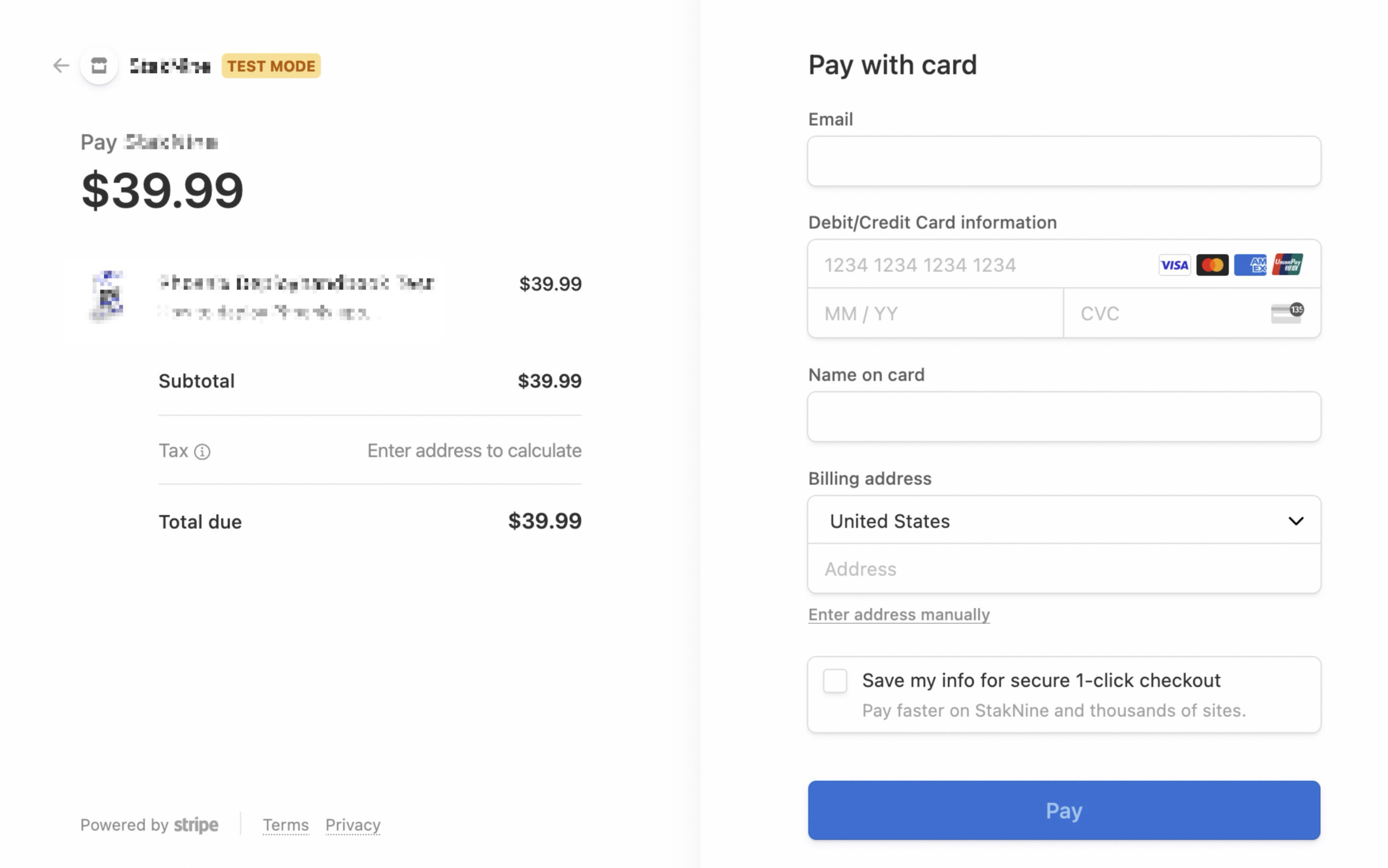
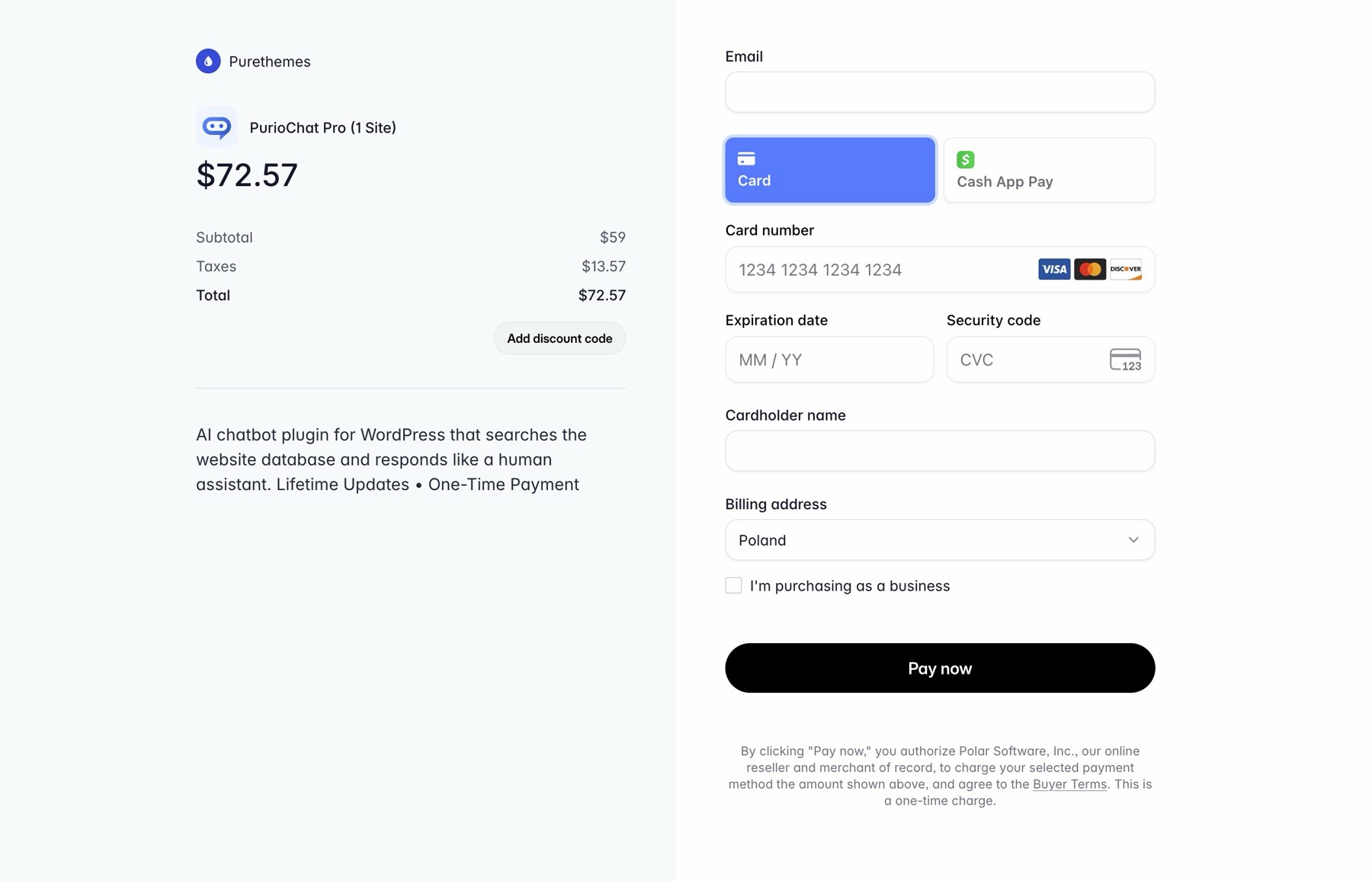
WorkScout Packages - The plugin intercepts the usual WorkScout and WooCommerce package checkout and redirects them to the provider’s hosted checkout page. For example, that is
checkout.stripe.comfor Stripe,buy.polar.shfor Polar, your approved checkout domain for Paddle, orcheckout.dodopayments.comfor Dodo. - They enter their payment details on the provider’s secure page. You never handle card details yourself.
- After paying, they are returned to your site and they see active subscriptions under “My Subscriptions” page.
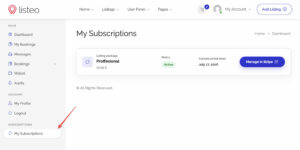
My Subscriptions

Supported payment providers offer a superb checkout experience compared to WooCommerce, resulting in higher conversion.
Managing and cancelling a subscription
Once a customer has an active subscription, they can manage it themselves. You do not have to do anything by hand.
The “My Subscriptions” page
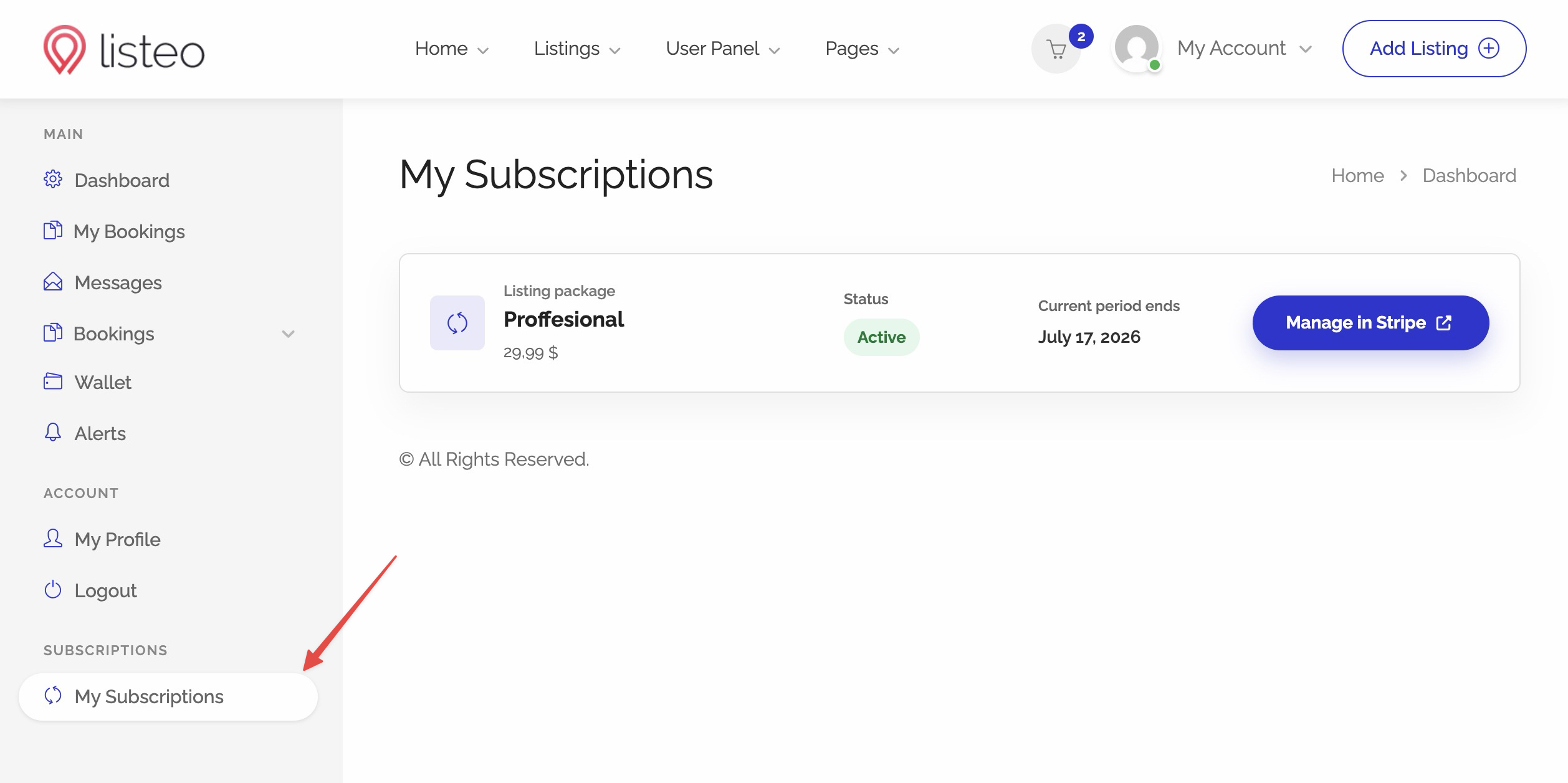
The plugin provides a My Subscriptions page. It is created automatically and registered in the WorkScout dashboard, so customers can find it. You can also place it anywhere on your site with this shortcode:the automatically created My Subscriptions page
On that page each subscription appears as a card showing:
- Its current status.
- The current period end, or the cancellation date.
- A Manage in Provider button.
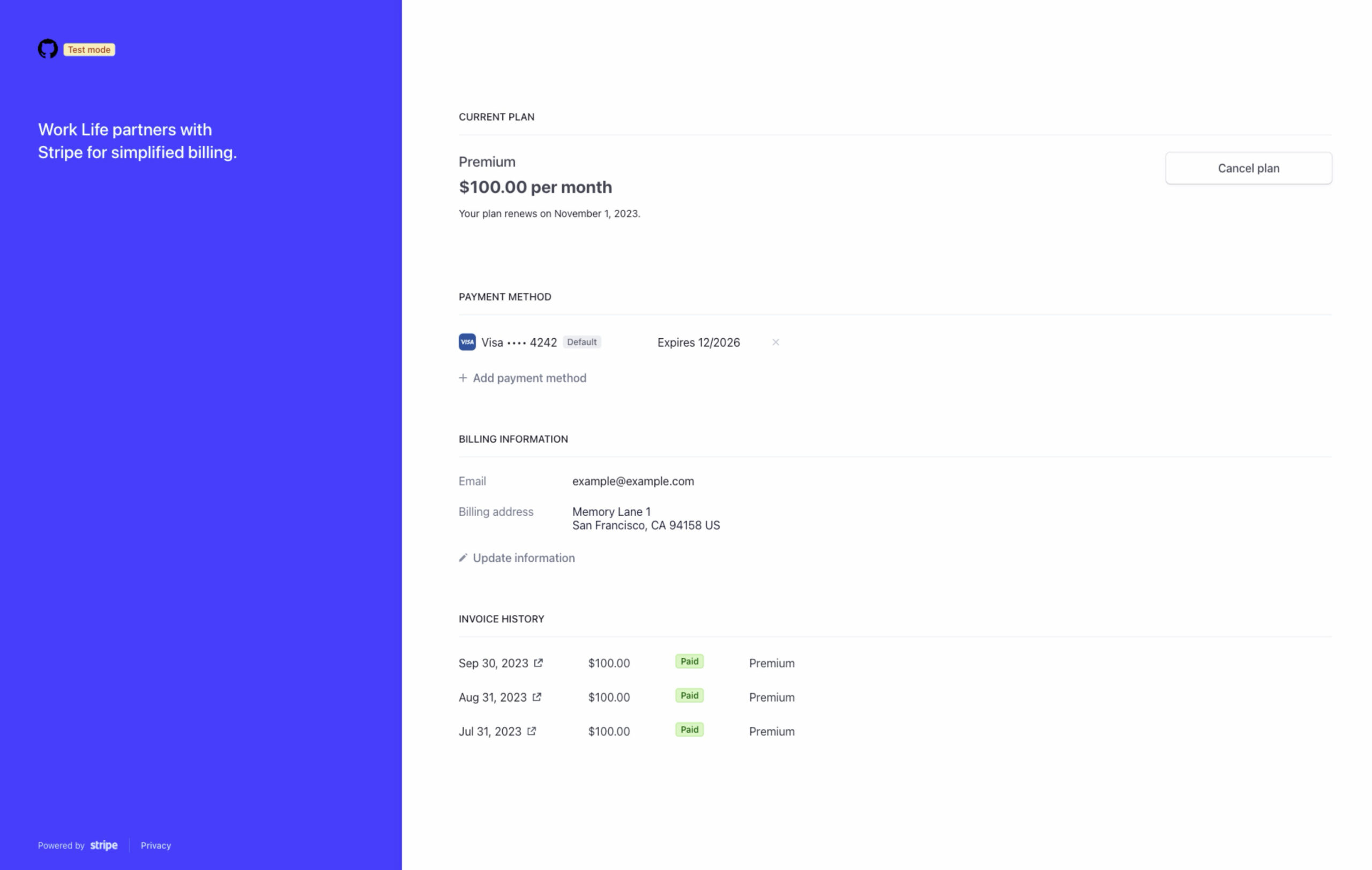
The Manage button opens the provider’s billing portal, where the customer can update their card or cancel on their own.
When a subscription is set to cancel
A subscription that is set to cancel at the end of its period shows a Cancelling label and an Access until date note. The package access remains active until that date, so customers keep what they paid for through the end of the period.
The dashboard “Manage Subscription” link
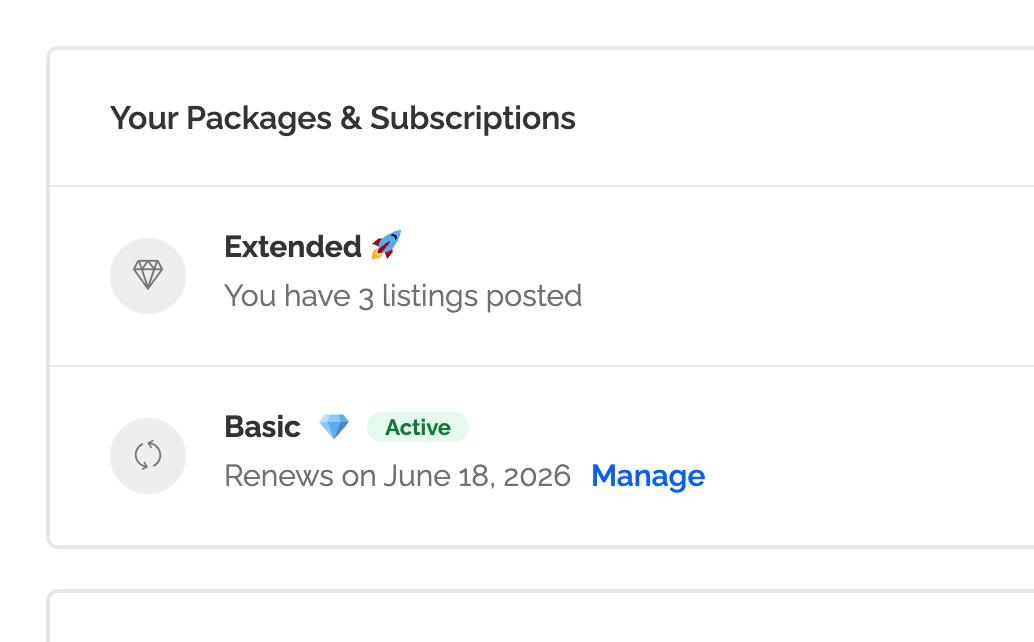
In the main page of WorkScout dashboard, under your packages area, each active subscription also shows a Manage Subscription link. It is the same idea as the Manage button on the My Subscriptions page, just placed where customers already look at their packages.
Failed renewals and the grace period
If a renewal payment fails, package access is not removed immediately. The plugin keeps the entitlement active for a short grace period, giving the customer time to fix their payment method before they lose anything.
Payment grace period grace_days
How many days the plugin keeps package access active after a failed renewal. The default is 3 days, and you can set it anywhere from 0 to 90. After the grace period ends with no successful payment, access is revoked. Setting it to 0 means access is removed immediately on failure.
Where customers land after checkout
You can choose where customers go once they finish (or cancel) at the provider. Both settings live on the plugin’s Settings tab and both are optional.
- Success URL – Where customers land after a successful purchase. Optional. If you leave it blank, the plugin returns them to the appropriate WorkScout account or package flow.
- Cancel URL – Where customers land if they cancel checkout before paying. Optional. If you leave it blank, they return to the relevant job, resume, or task submission flow.