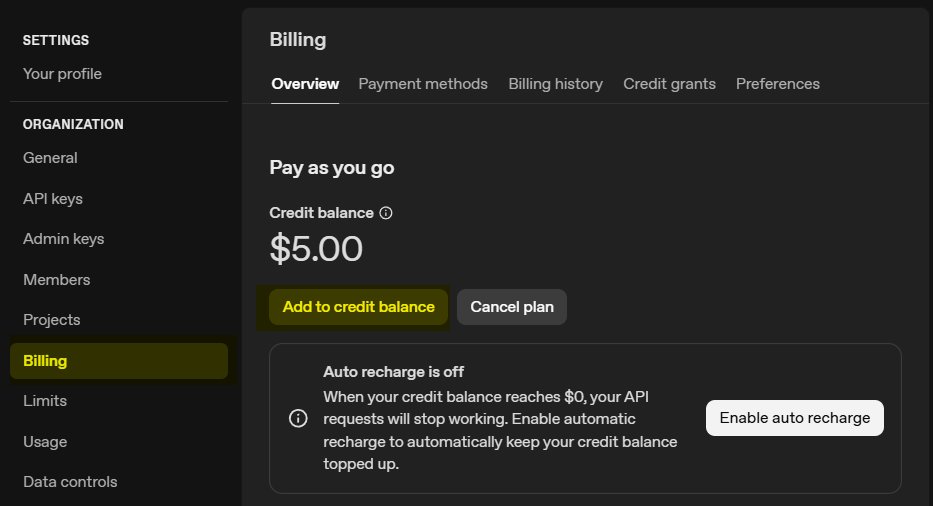
New to API keys? It looks technical, but it literally takes 1 min 40 sec to create one 😉
-
Create an OpenAI Account
Go to https://openai.com
– Click the “Log In” button (top right corner) and select API Platform.
– Register using your email, Google, or Microsoft account.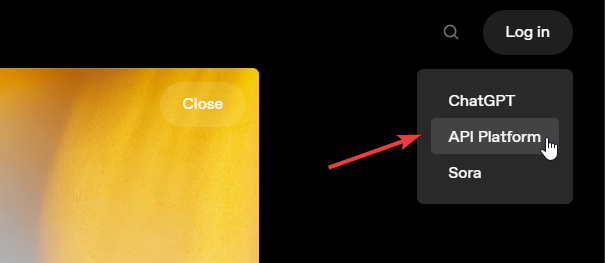
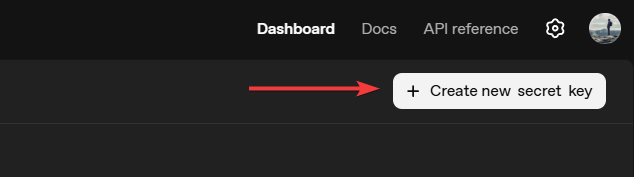
After signing up, navigate to API Keys https://platform.openai.com/api-keys
– Click the “Create new secret key” button.
– This begins the setup process for your API key.
-
Generate Your API Key
In the “Create new secret key” dialog:
– Enter a name for your key (e.g.,demo API key) to identify it later.
– Choose the project (default is fine unless you have multiple projects).
– Click “Create secret key”
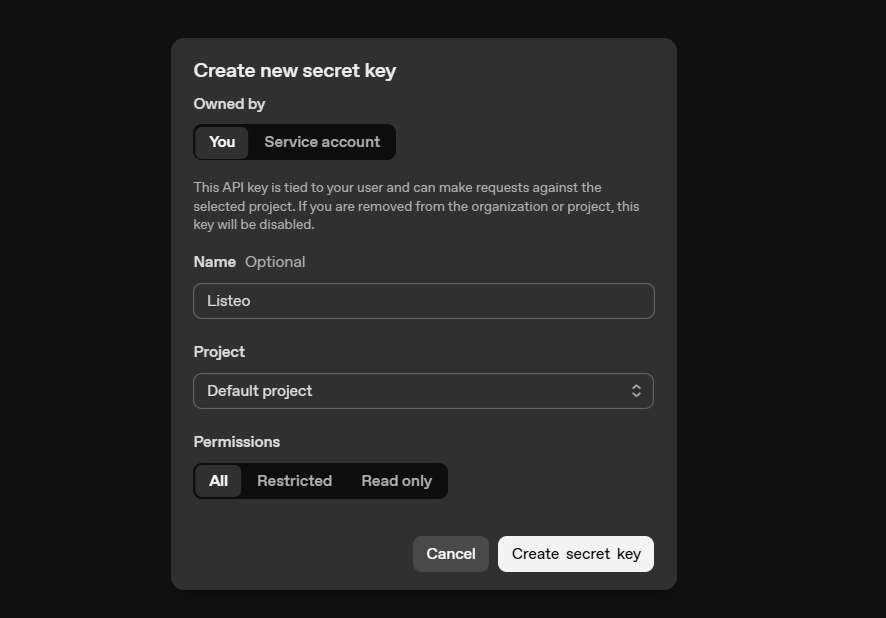
Your new key will be shown only once — copy it immediately.
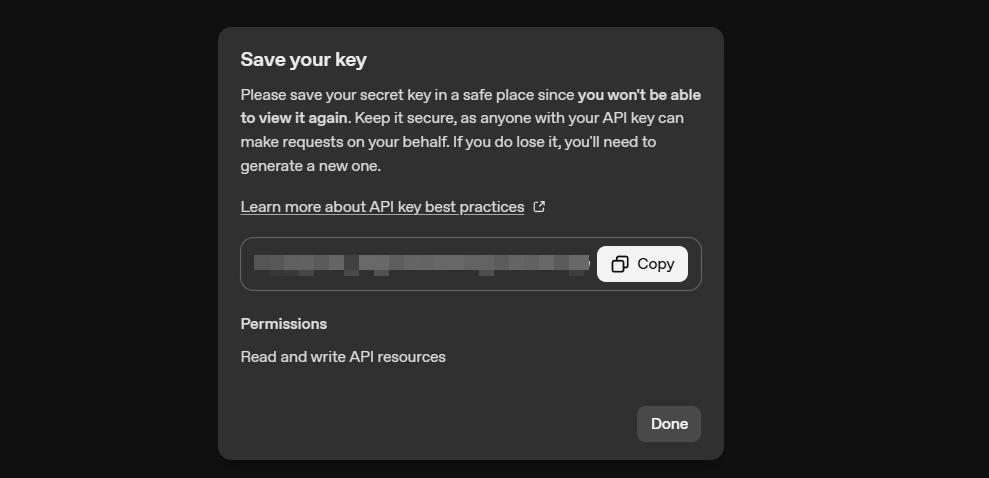
This key is what you’ll use in our data scraper and other tools that are coming soon
- Top up balance
Go to Billing and click Add credits to balance