Method 1: Upload through WordPress
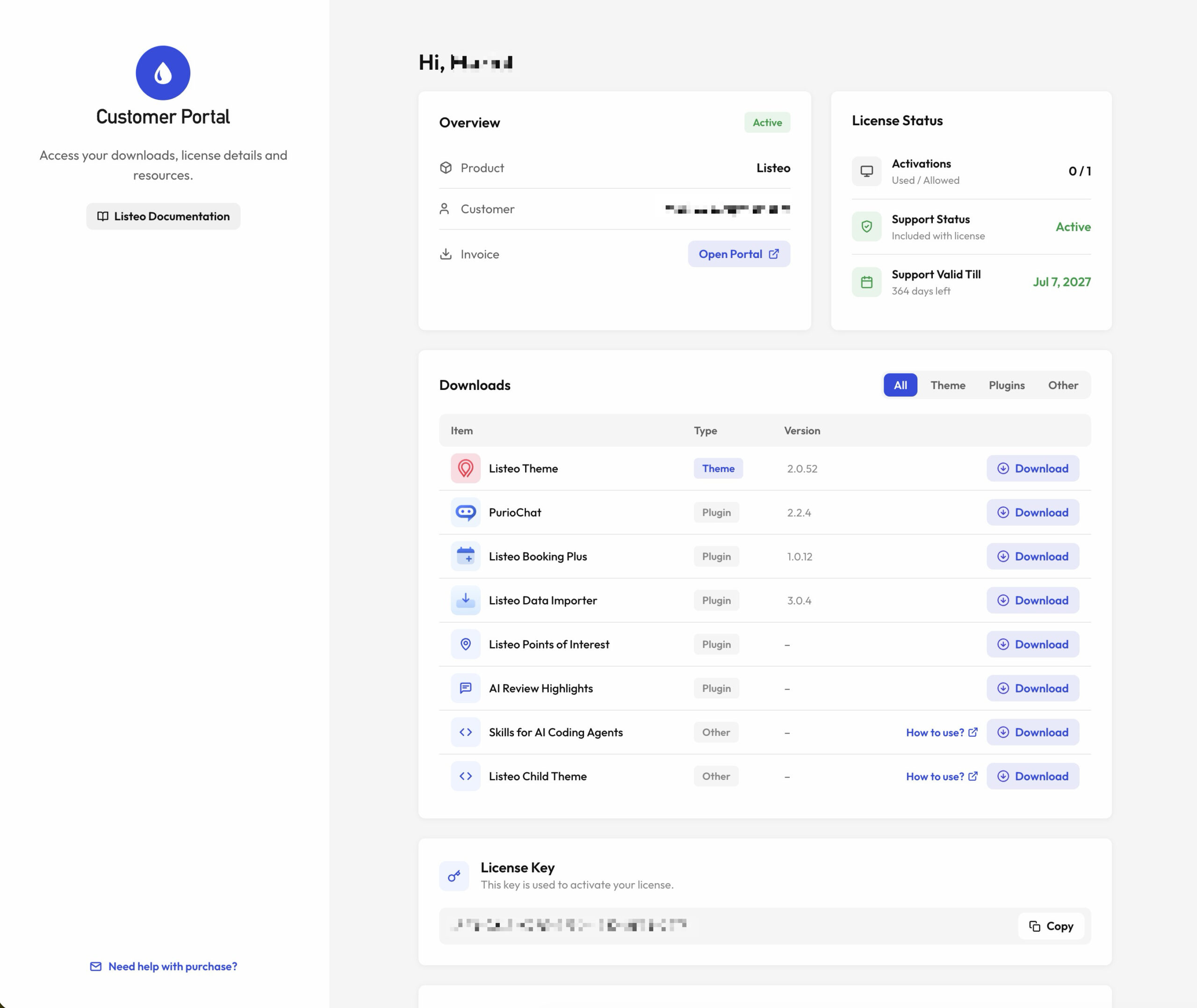
- Download Listeo theme using Customer Portal →
Plugins will be installed automatically, no need to download them.
PureThemes Customer Portal - Navigate to Appearance → Themes → Add New → Upload.
- Follow the instructions on the screen, select the downloaded theme folder (“listeo.zip”).
- Hit Install Now and the theme will be uploaded and installed.
Once the theme is uploaded, you need to activate it. Go to Appearance → Themes and activate Listeo.

Method 2: Upload through FTP
- Extract the “listeo.zip”
- Open up your FTP manager and connect to your hosting
- Browse to wp-content/themes
- Upload the Listeo theme folder.
- Log Into WordPress and go to Appearance – Themes
- Find the Listeo and click activate