How to use?
- Navigate to Listings → Regions Importer
- Pick Your Country & What to Import
Select Country: Don’t see your country? Just add its language pack in Settings → GeneralChoose Import Level:
Regions → 5 Cities: This is the default. It gives you states with their 5 biggest cities nested underneath.
Regions Only: This just gives you the states.
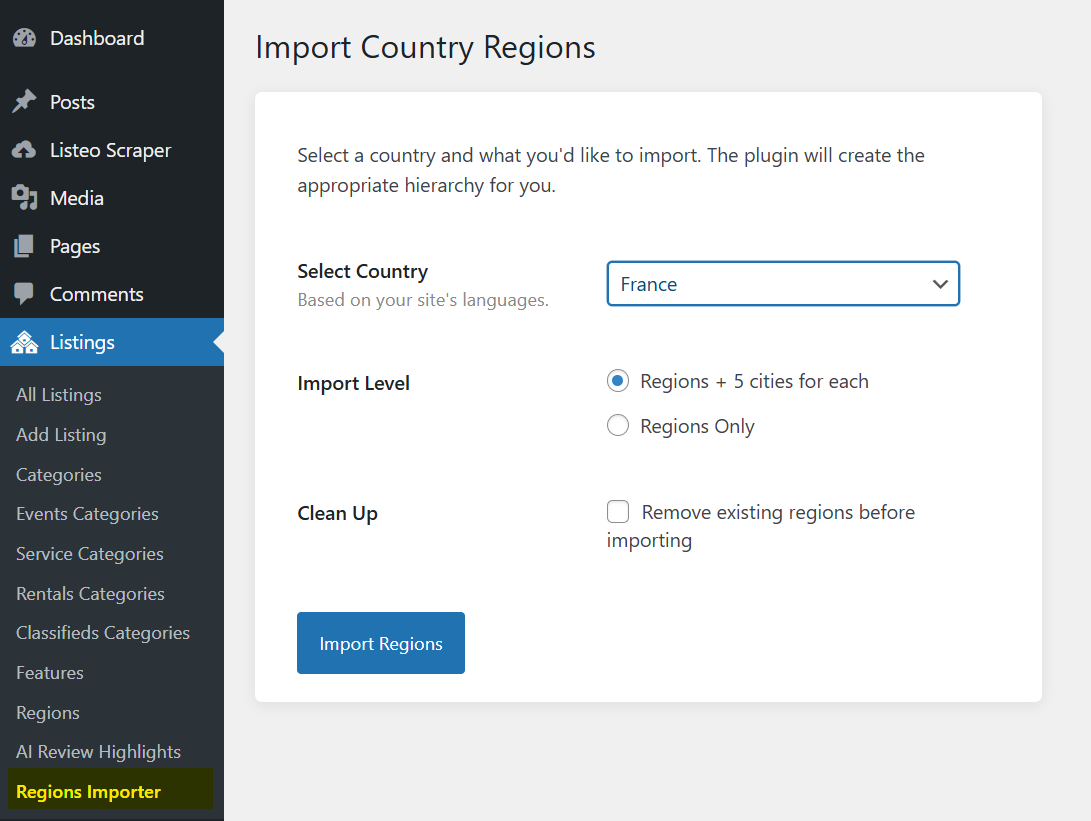
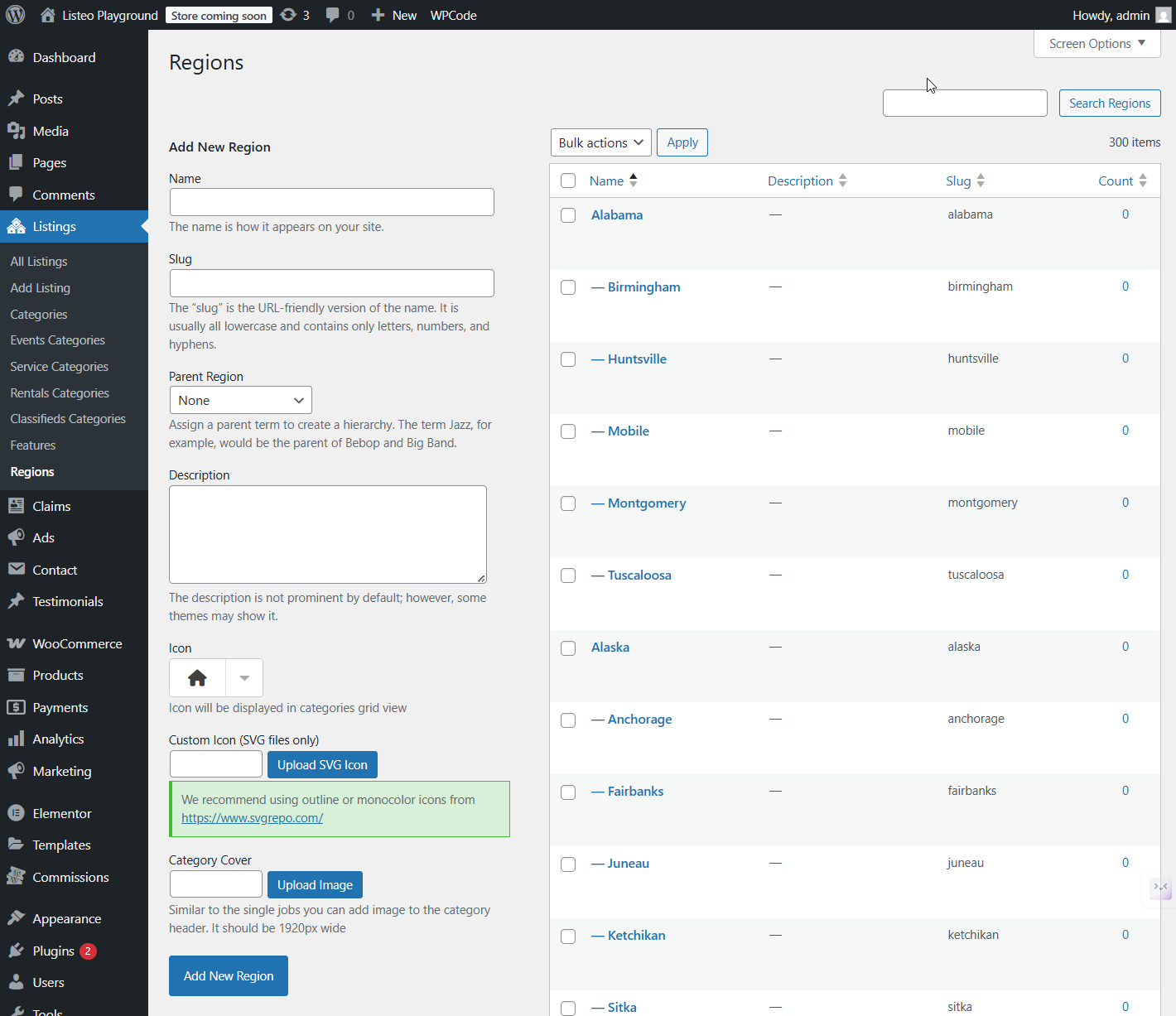
Click Import Regions, wait a minute or two and done. - The page will refresh with a success message. You can now find all your new regions and cities under your ‘Regions’ taxonomy in Listings → Regions).

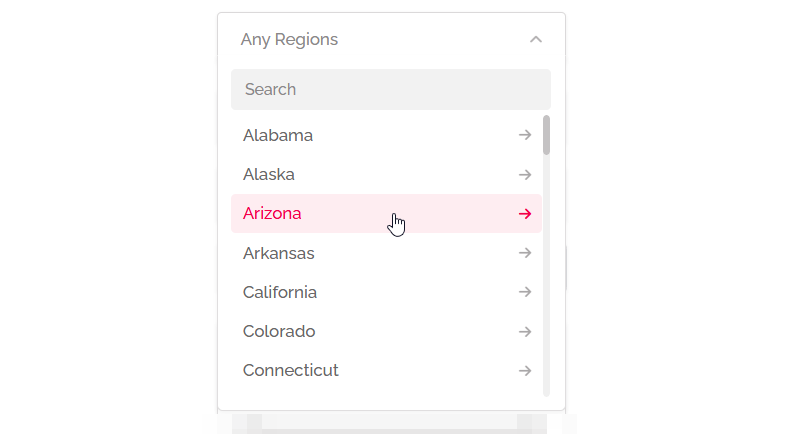
And this is how regions look like in front-end with drilldown dropdown, nicely nested list.