Go to WordPress dashboard and Listings. Find listing you want to edit and click “Quick Edit“, select new author from the list and click “Save“.


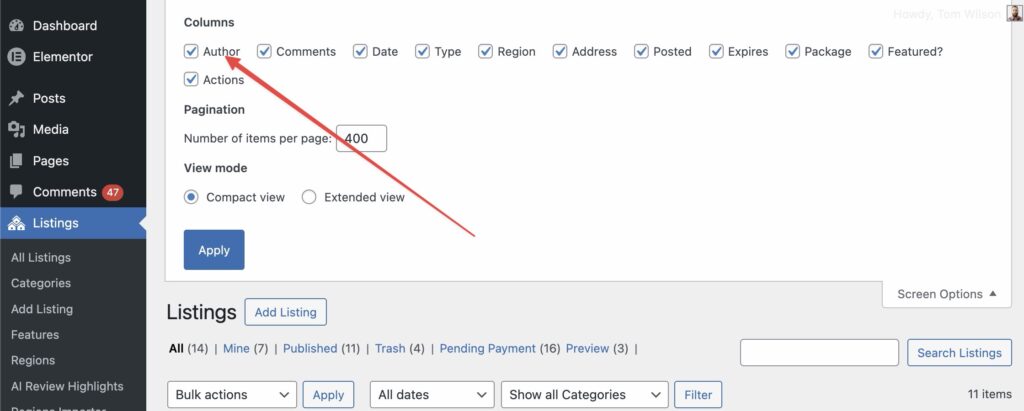
If you don’t see this option:
- Click Screen Options at the top right
- Enable Author
- Scroll down and select the user in the Author box