Mistral AI is a French artificial intelligence company headquartered in Paris and operates under EU jurisdiction with GDPR applicability by default.
Creating MistralAI API Key
-
Create MistralAI Account
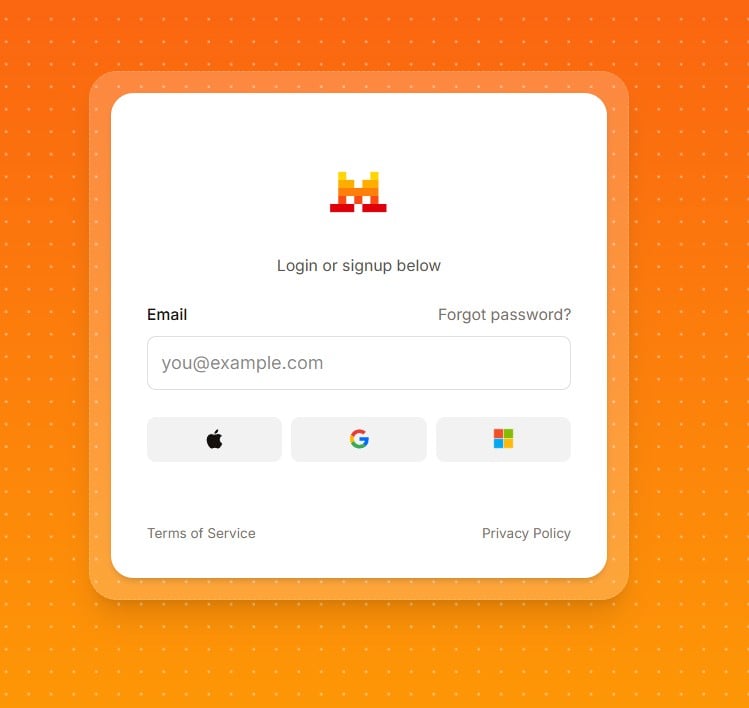
Go to https://console.mistral.ai/ and register an account
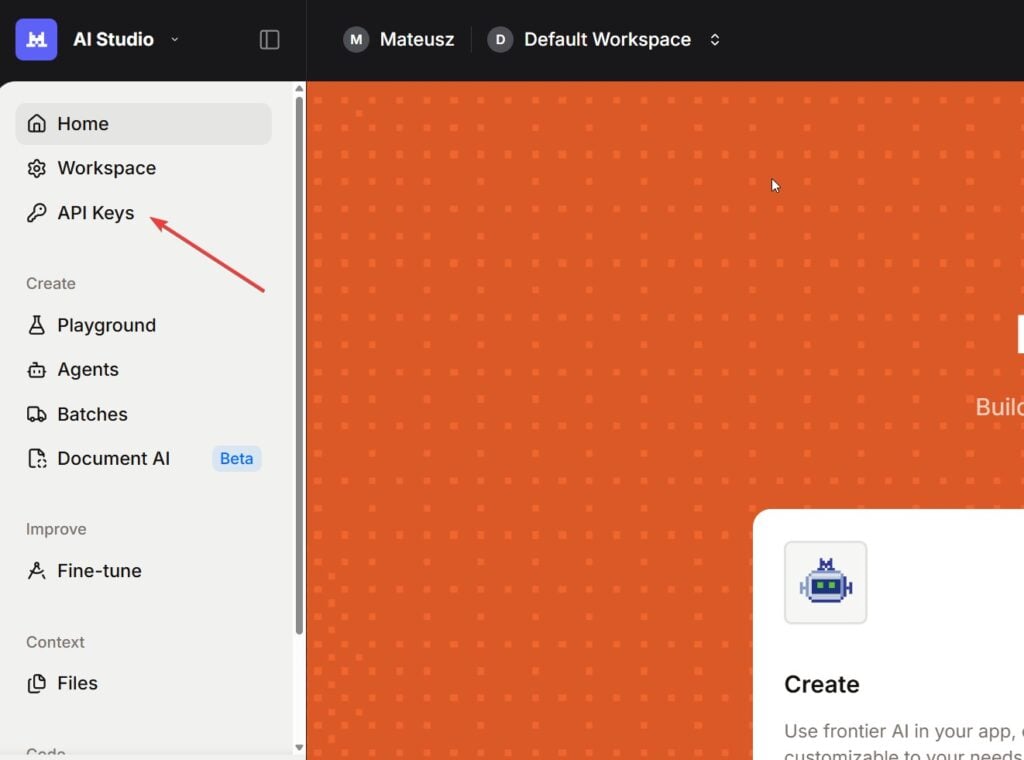
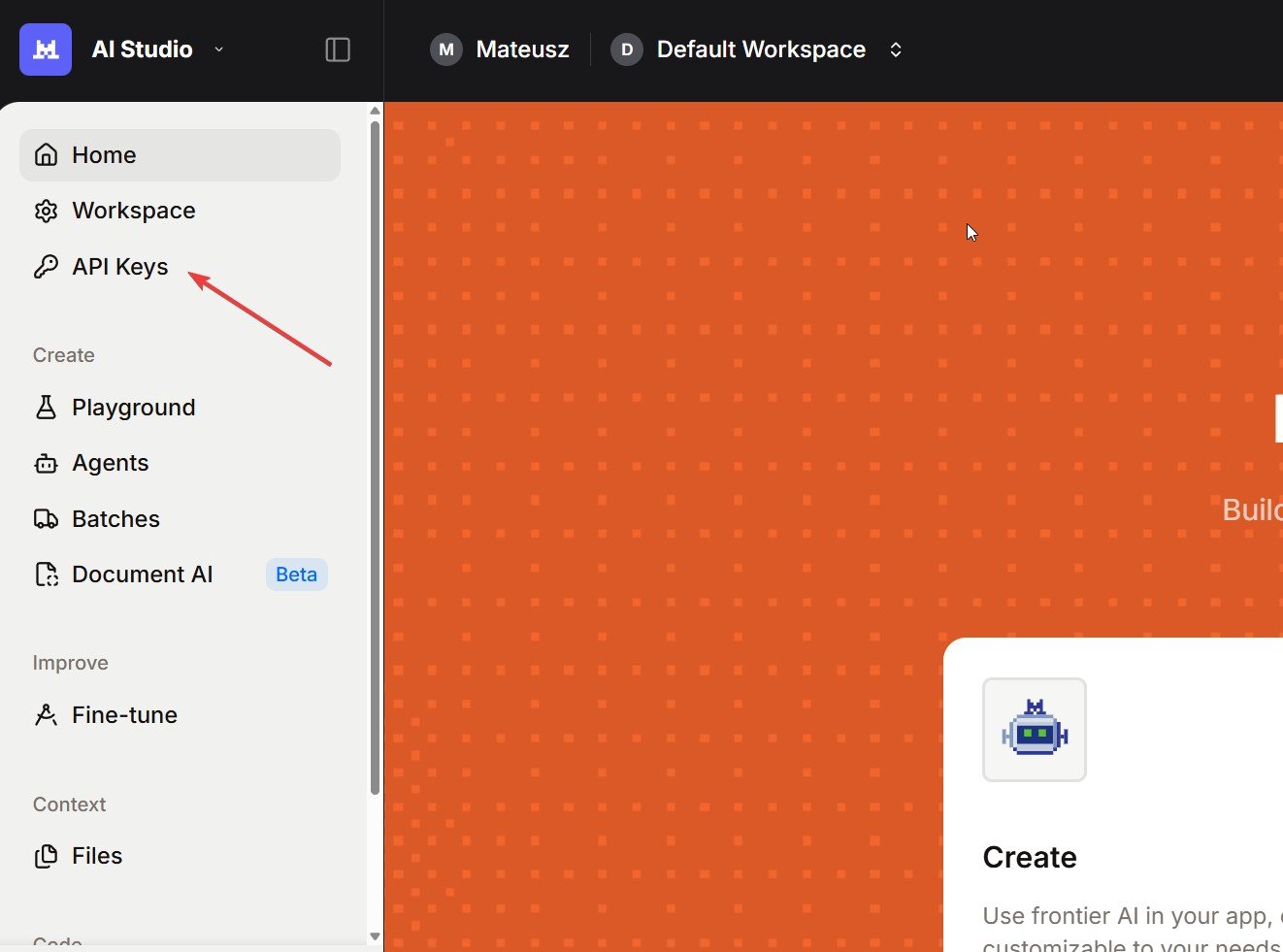
After signing up, navigate to API Keys https://console.mistral.ai/home?workspace_dialog=apiKeys
– Click the “Create new secret key” button.
– This begins the setup process for your API key.
-
Generate Your API Key
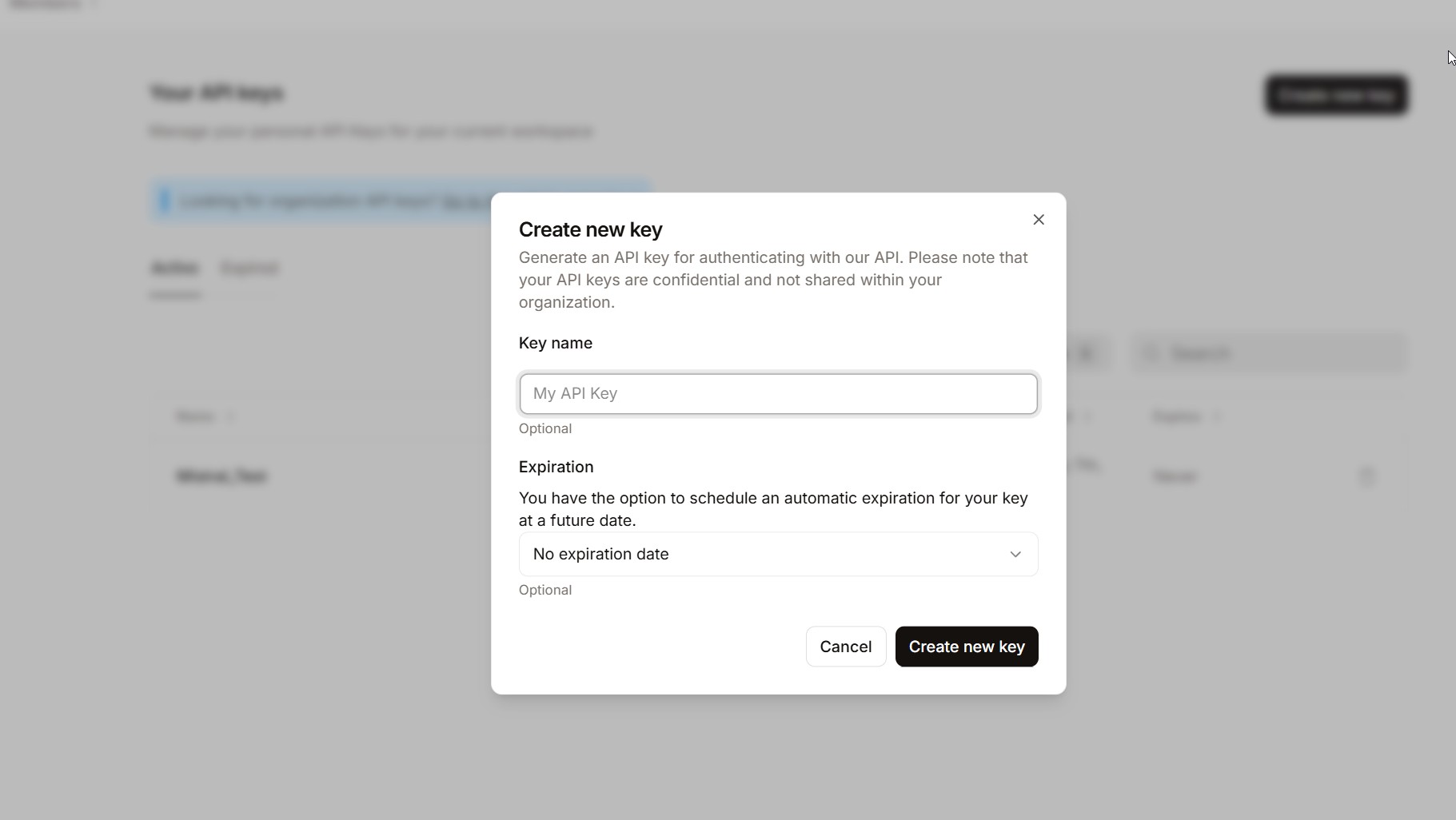
In the “Create new key” dialog:
– Enter a name for your key (e.g.,demo API key) to identify it later.
– Choose the project (default is fine unless you have multiple projects).
– Click “Create new key”
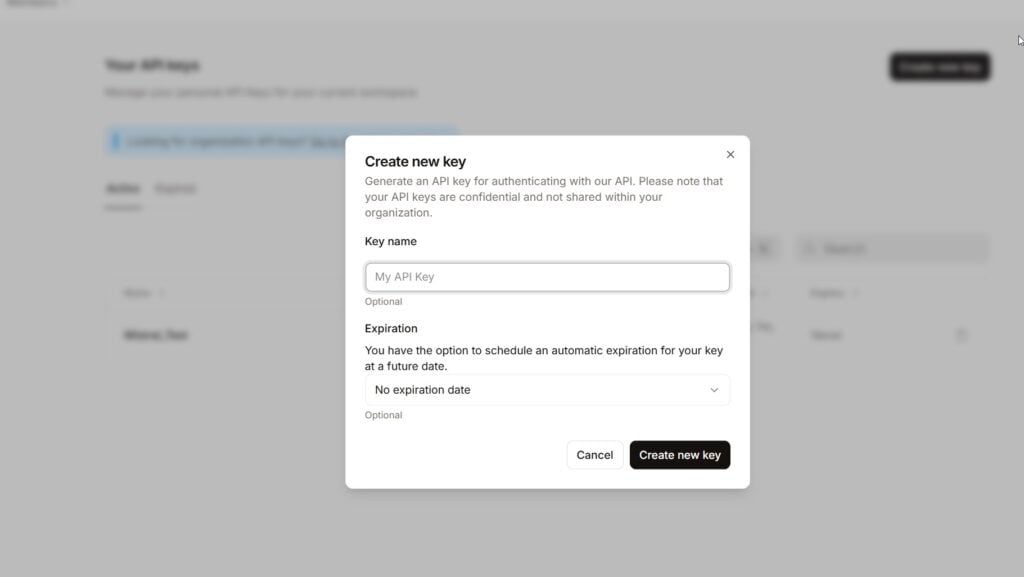
Your new key will be shown only once — copy it immediately.
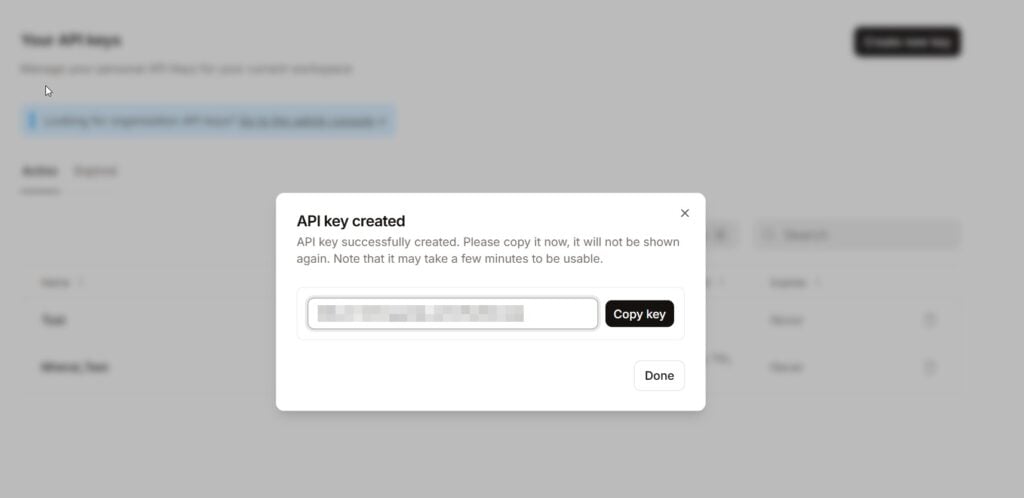
That’s it!

Free Tier Limits
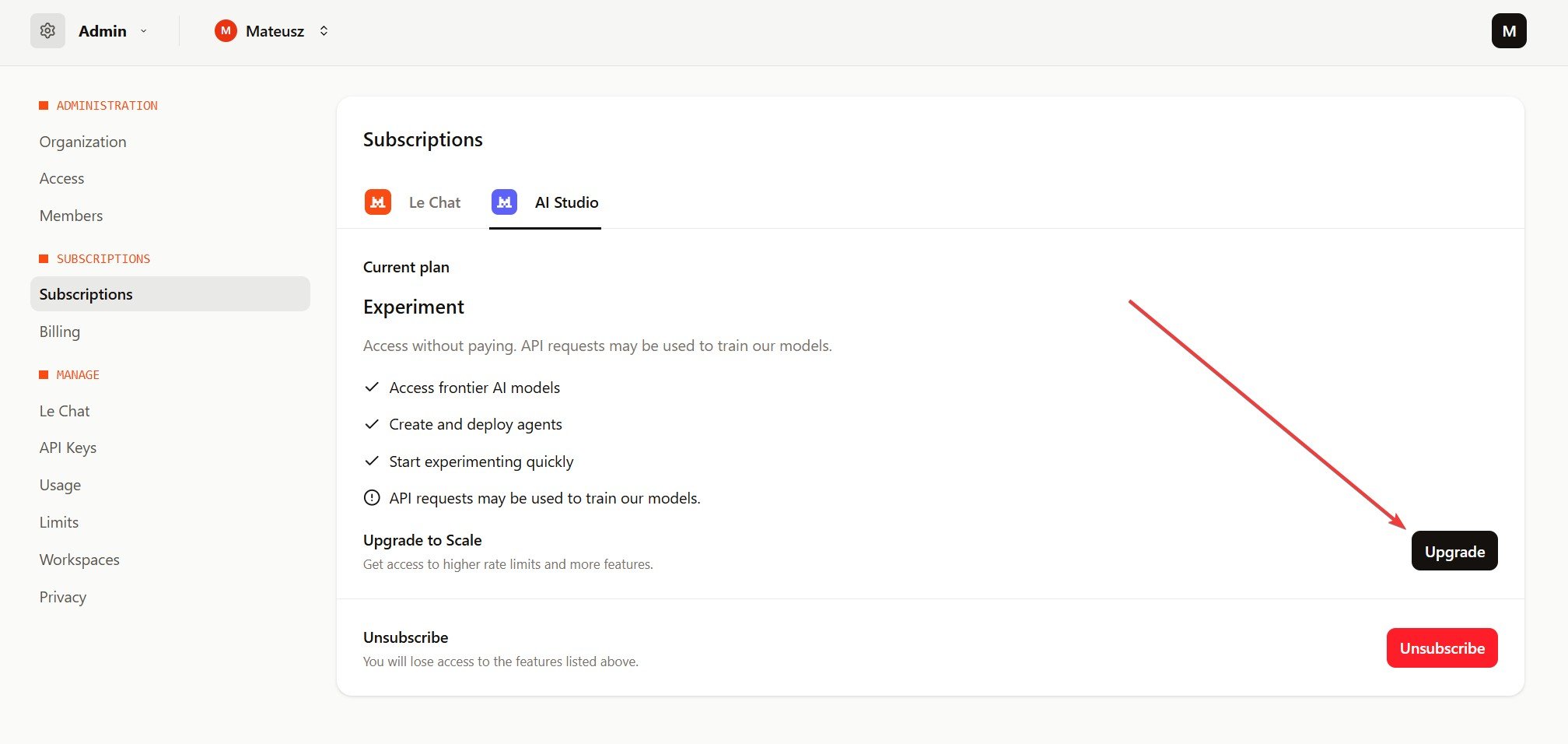
Free tier has only 1 request per second which is quite low and you might want to upgrade to “Scale” plan which is similar to Open AI and you top up credits (min 10 EUR). To do this go to Admin Settings → AI Studio https://admin.mistral.ai/subscriptions?subscription-tab=ai-studio and click Upgrade