Listeo User Group on Facebook
Level up your store with a seamless and customizable checkout for a cart-to-checkout experience that converts more shoppers.
Follow same process for cart and checkout pages.
- Find checkout (or cart) page, edit it.
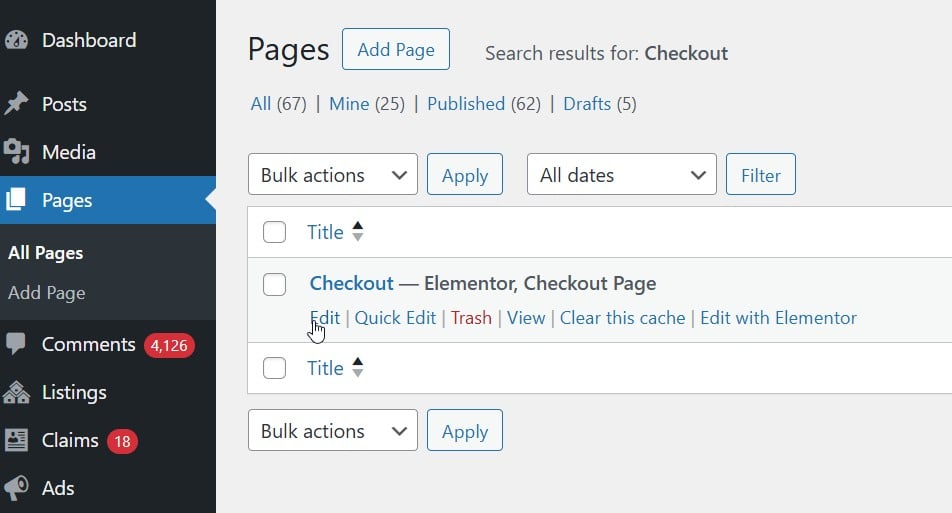
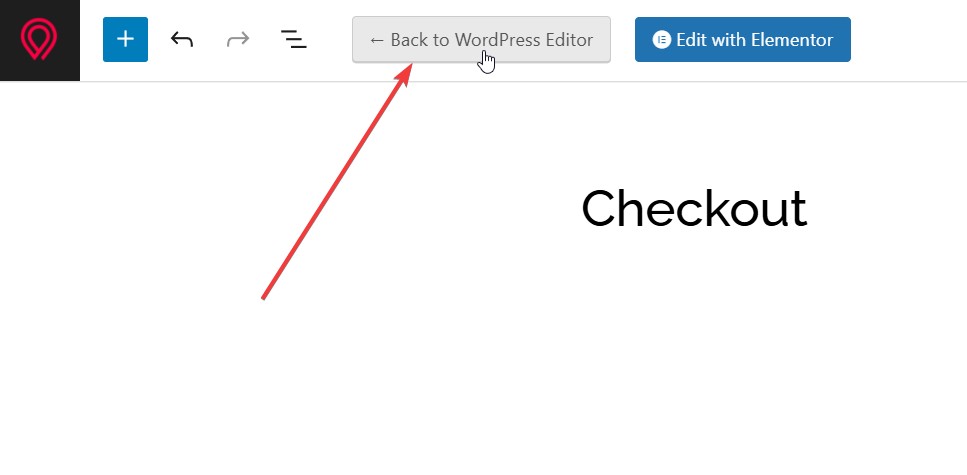
Then switch to WordPress editor
- Delete classic shortcode [woocommerce_checkout] or [woocommerce_cart]

- Add block element: Checkout

- And that’s it. You can customize checkout/cart here using WordPress blocks editor.