Available Layouts
List Layout
- List Layout + Sidebar
- Full-Width List Layout + Search Bar on Top
- Full-Width List Layout + Map on Top
Grid Layout
- Grid Style 1 + Sidebar
- Grid Style 2 + Sidebar
- Full-Width Grid Layout + Search Bar on Top
(To enable search bar on top go to Customize → Header or Edit page using WordPress editor, scroll down and you will find setting for each page separately) - Full-Width Grid Layout + Map on Top
Half Screen Map (Split Screen)
Full Page Grid (No map)
Here are the available layouts in settings:
Appearance → Customize → Listing List Options
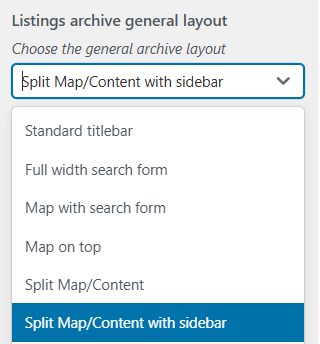
Appearance → Customize → Listing List Options
| Setting | Description | Options | Default |
|---|---|---|---|
| Listings Per Page | Number of listings displayed per page. | N/A | 6 |
| Author Archive Listings Per Page | Number of listings displayed per page on author archives. | N/A | 3 |
| Show Archive Title | Display the archive title above listings. | Enable / Disable | N/A |
| Listings Archive Title | Title displayed for the archive. | N/A | Listings |
| Listings Archive Subtitle | Subtitle displayed for the archive. | N/A | Latest Listings |
| Choose Rating Display Style | Style for displaying ratings. | Stars / Numerical | Stars |
| Choose Price Filter Tag Icon | Icon for currency representation. | N/A | Tag |
| Map Listing Marker Style | Marker style for maps. | With Icons | N/A |
| Listings Archive General Layout | Layout for the archive page. | Split Map/Content | N/A |
| Listings Content Layout | Content layout for archives. | List | List |
| Sidebar Side | Applies if the layout includes a sidebar. | N/A | N/A |
| Setting | Description | Options | Default |
|---|---|---|---|
| Default Background Image | Set a background image if no listing images are provided. | No image selected / Select image | No image selected |
| Setting | Description | Options | Default |
|---|---|---|---|
| Show Additional Buttons Before Listings | Display extra buttons above listings. | Enable / Disable | N/A |
| Top Buttons Configuration | Configure buttons like List/Grid (works with Ajax), Features Panel Filter, Radius Slider, and Orderby Dropdown. | N/A | N/A |
| Setting | Description | Options | Default |
|---|---|---|---|
| Sort By Options | Sorting options available for listings. | Highest Rated, Most Reviewed, Newest Listings, Oldest Listings, Alphabetically, Featured, Most Views, Verified, Upcoming Event, Random |
Additional Settings in Listeo Core → Browse/Search Options
| Setting Name | Option/Details |
|---|---|
| Default Sorting & Display | |
| By default sort listings by | Default sorting order for listings select Options: Oldest Listings, Newest Listings, Nearest First, Featured, Highest Rated, Most Reviewed, Upcoming Event, Alphabetically, Views, Verified, Random, Best Match (AI Search) Default: Newest Listings |
| Default radius for “nearest” sort by filter (km) | Default radius when sorting by nearest number Range: 1-500 km Default: 50 |
| Search Technology & Performance | |
| Ajax based listing browsing | Enable AJAX-powered search and filtering select Options: Enabled, Disabled Default: Enabled |
| Keyword Search options | Configure what fields are searched for keywords select Options: Search Listing Title, Content and Keywords field; Search above and all custom meta fields Default: Search Title |
| Keywords search mode | Choose search algorithm for keyword matching select Options: WordPress search mode (beta), Exact match, Approximate match, Fibo Search plugin compatibility, Search WP compatibility Default: Relevance |
| Location & Geographic Search | |
| Restrict location search only to address field | Limit location search to address field only select Options: Enabled, Disabled Default: Disabled |
| Location search method (without Google API) | Choose location search algorithm when Google API is not used select Options: Basic – Simple search in address fields only, Broad – Smart combination search with fallbacks Default: Basic |
| Pagination & Loading Options | |
| Infinite Scroll with Load More Button | Choose pagination method select Options: Disabled – Use standard pagination, Enabled – Use Load More button Default: Disabled |
| Dynamic Taxonomy Behavior | |
| Make “features” taxonomy related to categories | Filter features based on selected categories select Options: Enabled, Disabled Default: Enabled |
| Make “listing type” taxonomy related to categories | Filter listing types based on selected categories select Options: Enabled, Disabled Default: Disabled |
| Search Logic & Relations | |
| For taxonomy search as default use logical relation | Default logical operation for taxonomy searches select Options: OR, AND Default: OR |
Single listing layouts
Choose a layout in Listeo Core → Single Listing → Gallery & Visual Settings → Default Gallery Type and save your changes.
Photo Grid
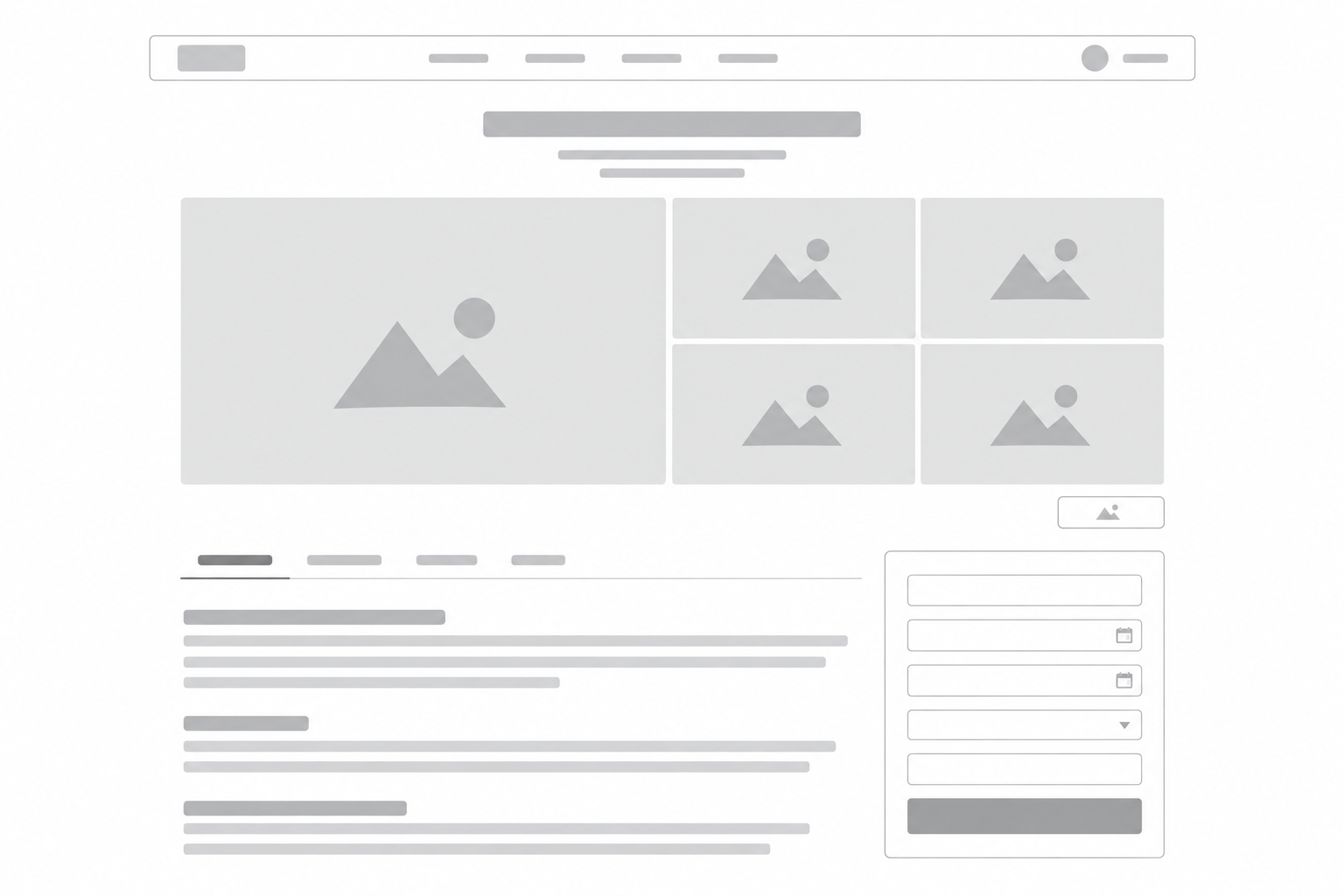
One large photo and four smaller photos below the listing title.
Select Grid Gallery.
Full Width Photo
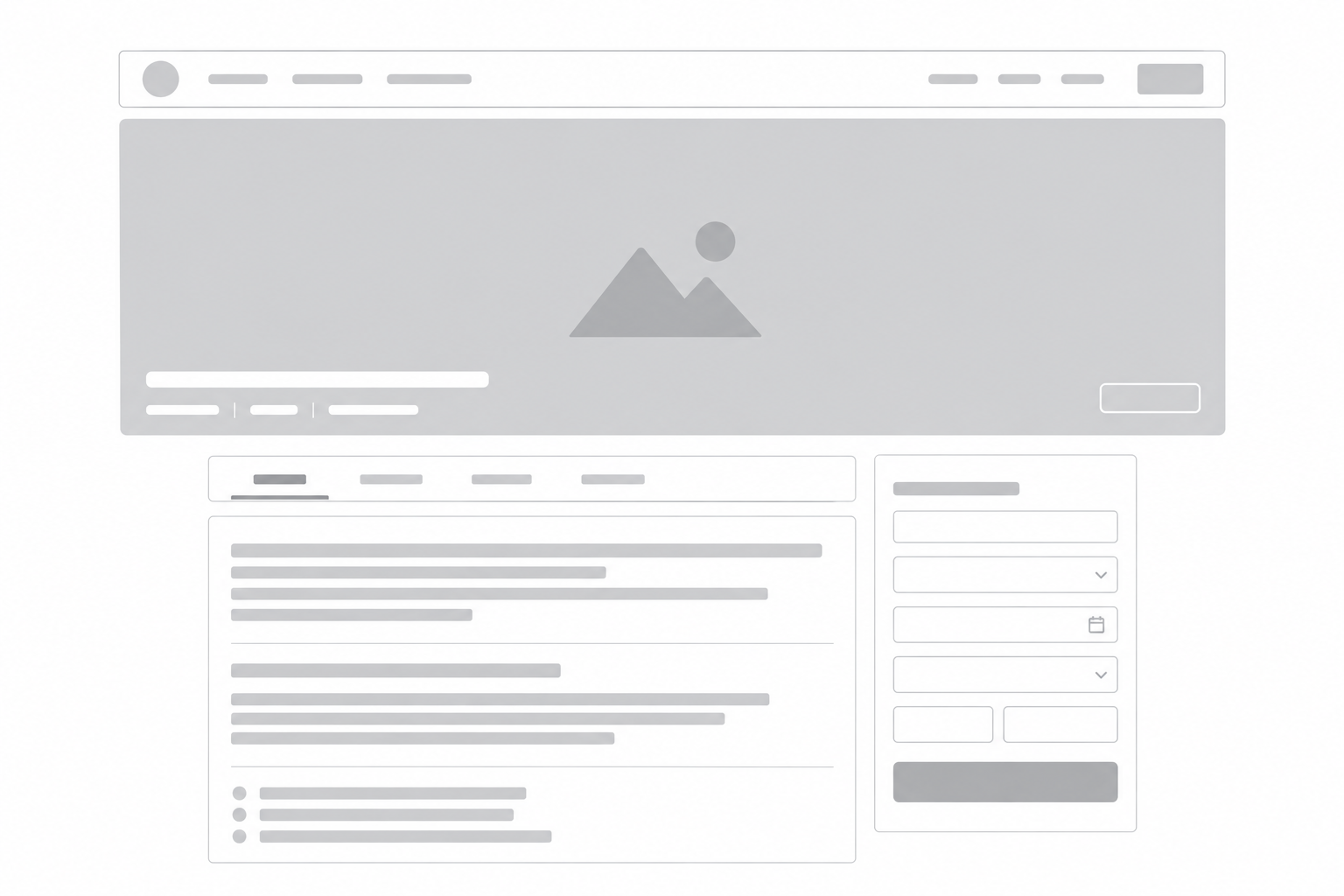
One wide header photo with the listing title and details over it.
Select Fullwidth photo.
Full Width Carousel
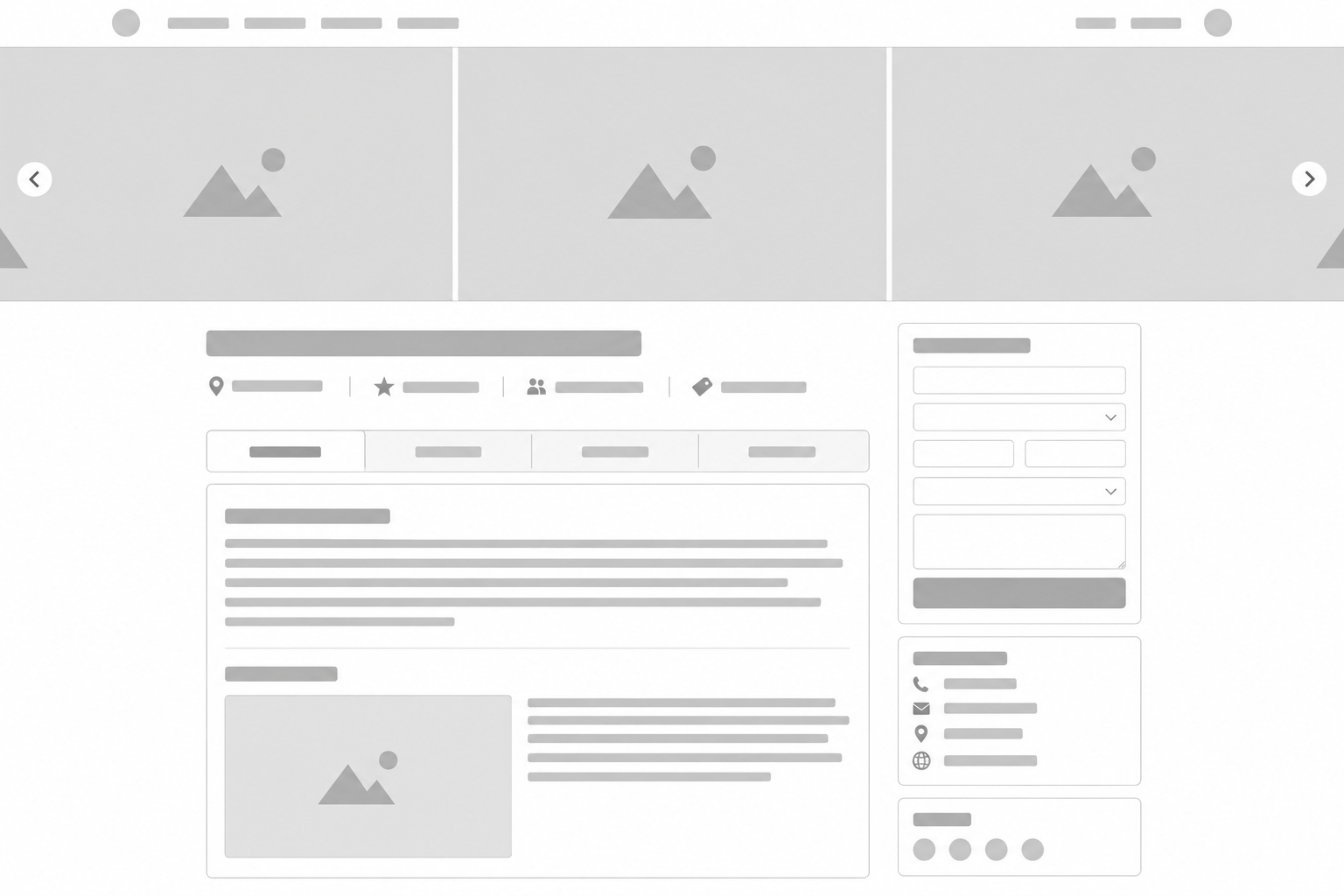
A full-width photo slider above the listing title. Requires at least 4 photos.
Select Gallery on top.
Gallery in Content
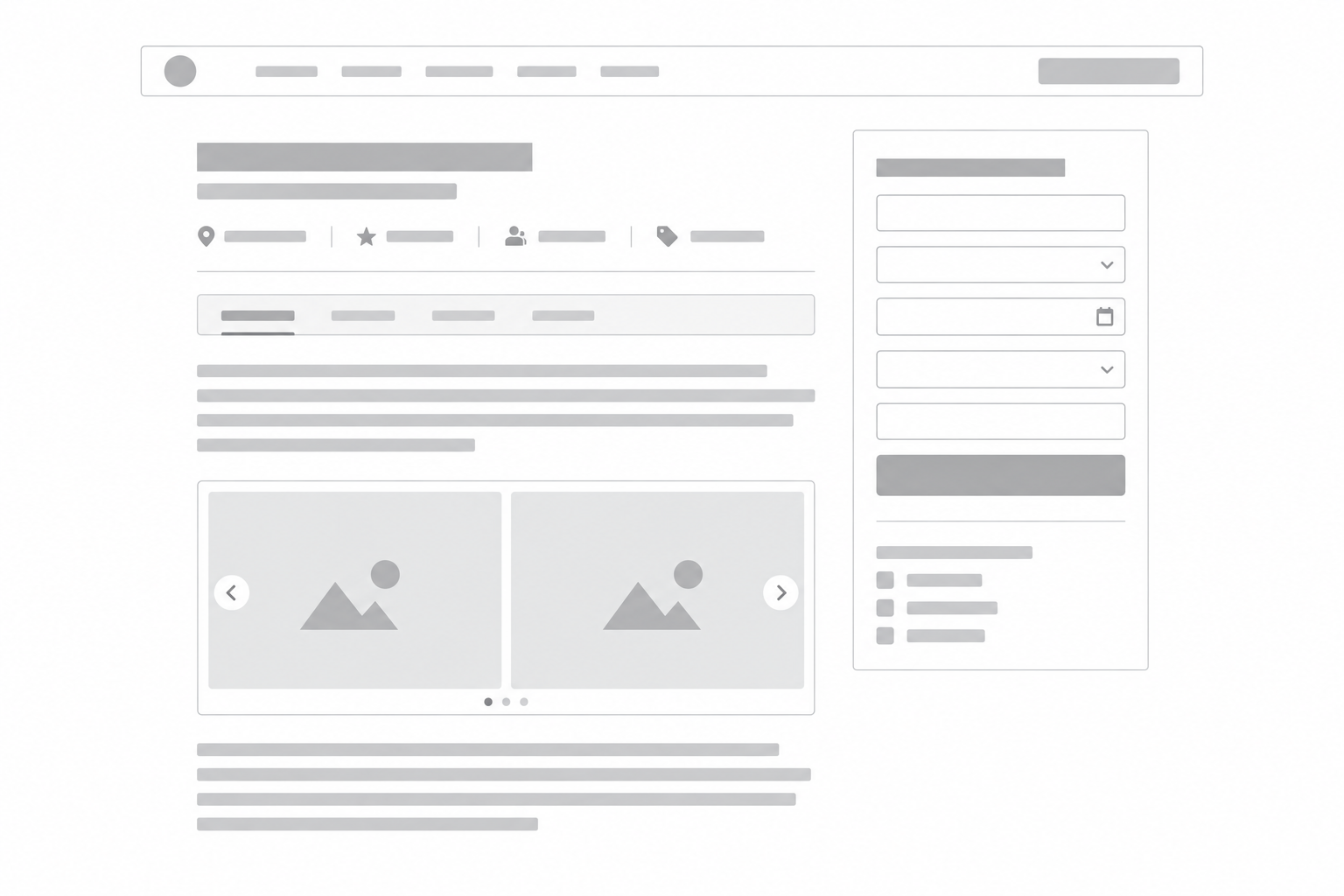
A photo slider below the overview, inside the main content column.
Select Gallery in content.
To override the default for one listing, edit it and choose Gallery → Gallery display layout. Select Auto (Listeo Core setting) to use the site default.
For the carousel, 2–3 photos fall back to a gallery in the content; a single photo appears above the content navigation.
Related articles:
How to create custom / static page with listings in Elementor