Listeo User Group on Facebook
Quick Guide:
- Activate listing post type in Elementor → General → Post Types → Listing
- Go to Templates → Theme Builder and click import icon in top right corner and upload following .json single listing templates:
elementor-single-listing-template.json
elementor-single-listing-gallery-grid-template.json

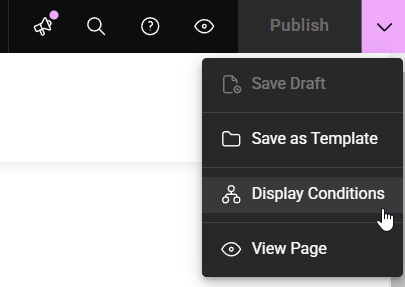
- Click Save Options then Display Conditions

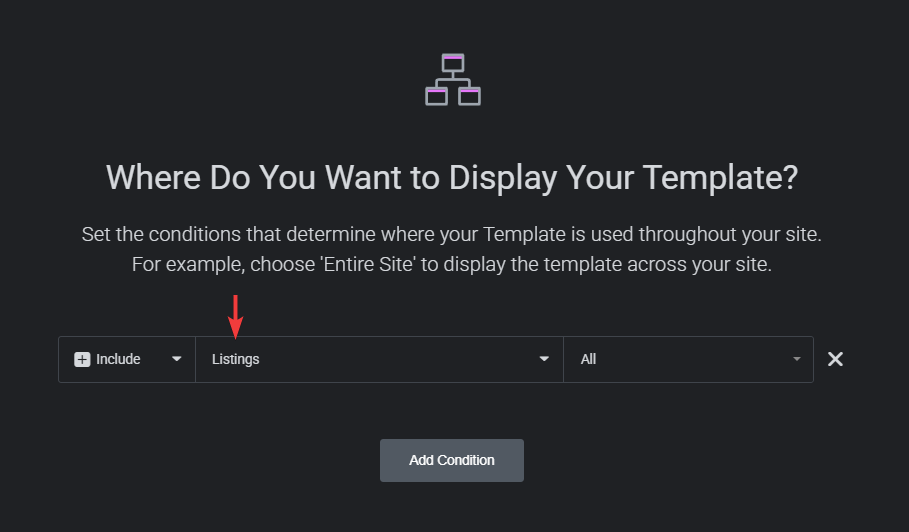
- Select Listings and then Save

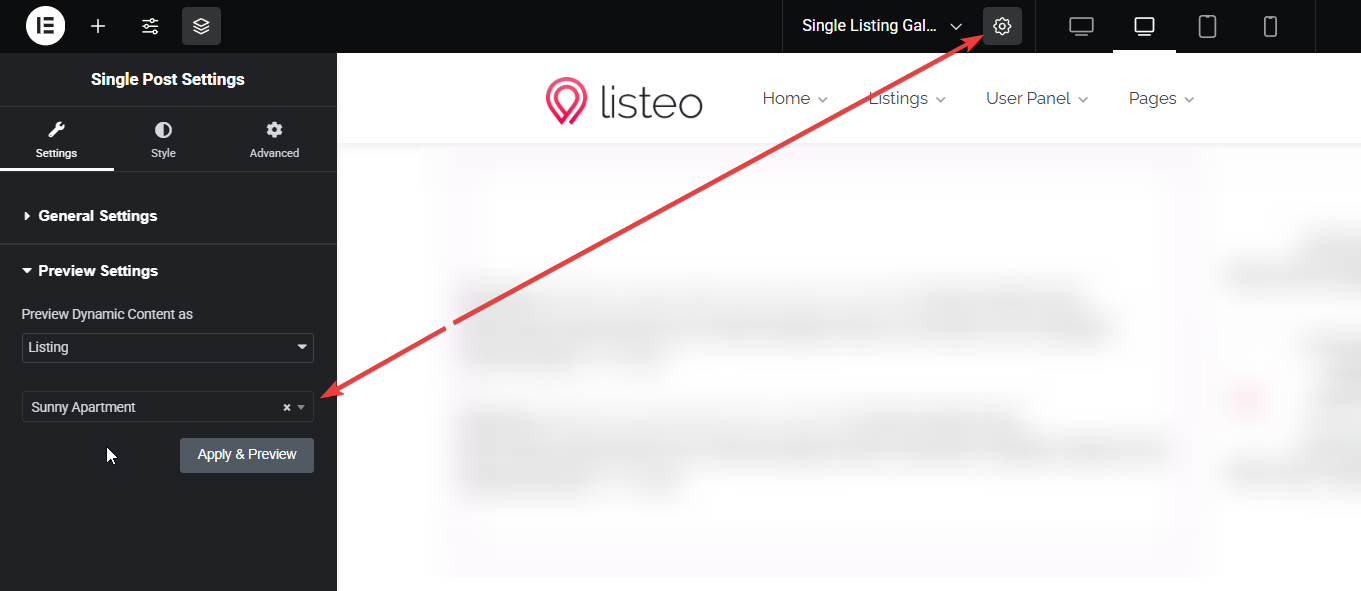
- When you edit single listing page and you can’t see content click cog icon in top bar and set any listing to be used as a preview
 .
Basically you can rearrange every section or add / display data from custom fields in desired place
This functionality will be expanded with new options and more control for widgets based on your feedback and theme development
Example of usage
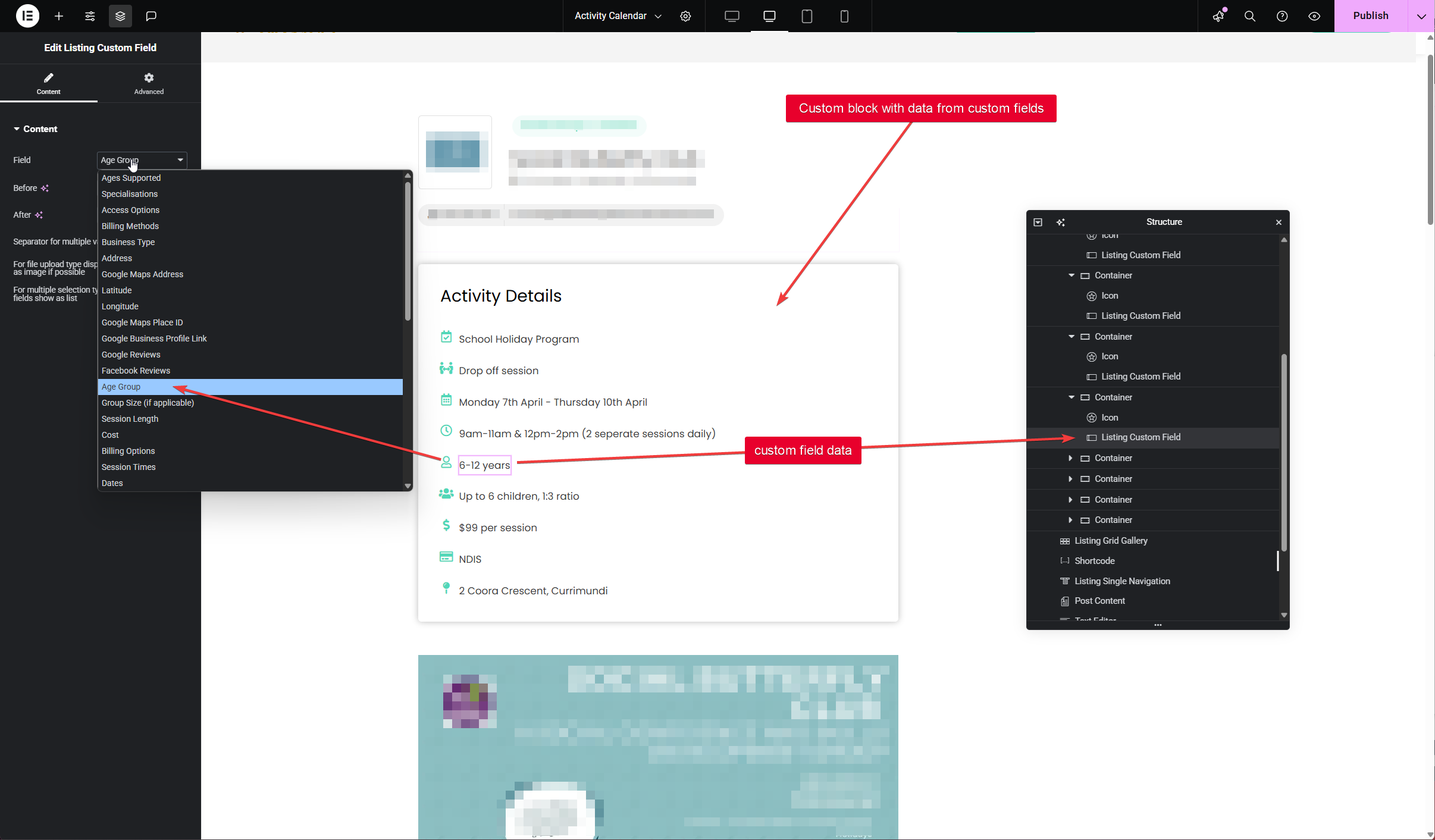
For example, you can add custom block/widget with data from your custom fields added in Listeo Editor