How to make sure listings are geocoded (have lat/long)?
When adding listing in front-end you have to select address from dropdown, then lat/long fields will be autoamtically populated

Same principle applies in WordPress editor. Type address, hit “enter” and select address from the list. Lat/long will be automatically populated.

What indicates that listing is not geocoded?
Well, first of all you won’t see map widget on single listing page. Secondly when you edit it using WordPress editor lat/long fields will be blank

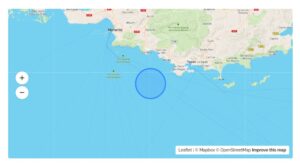
Map with listing is displayed in wrong place in circle instead direct marker
In this case most likely you enabled “Hide real address” in Listeo Core → Single Listing → Hide real address on listings and lists