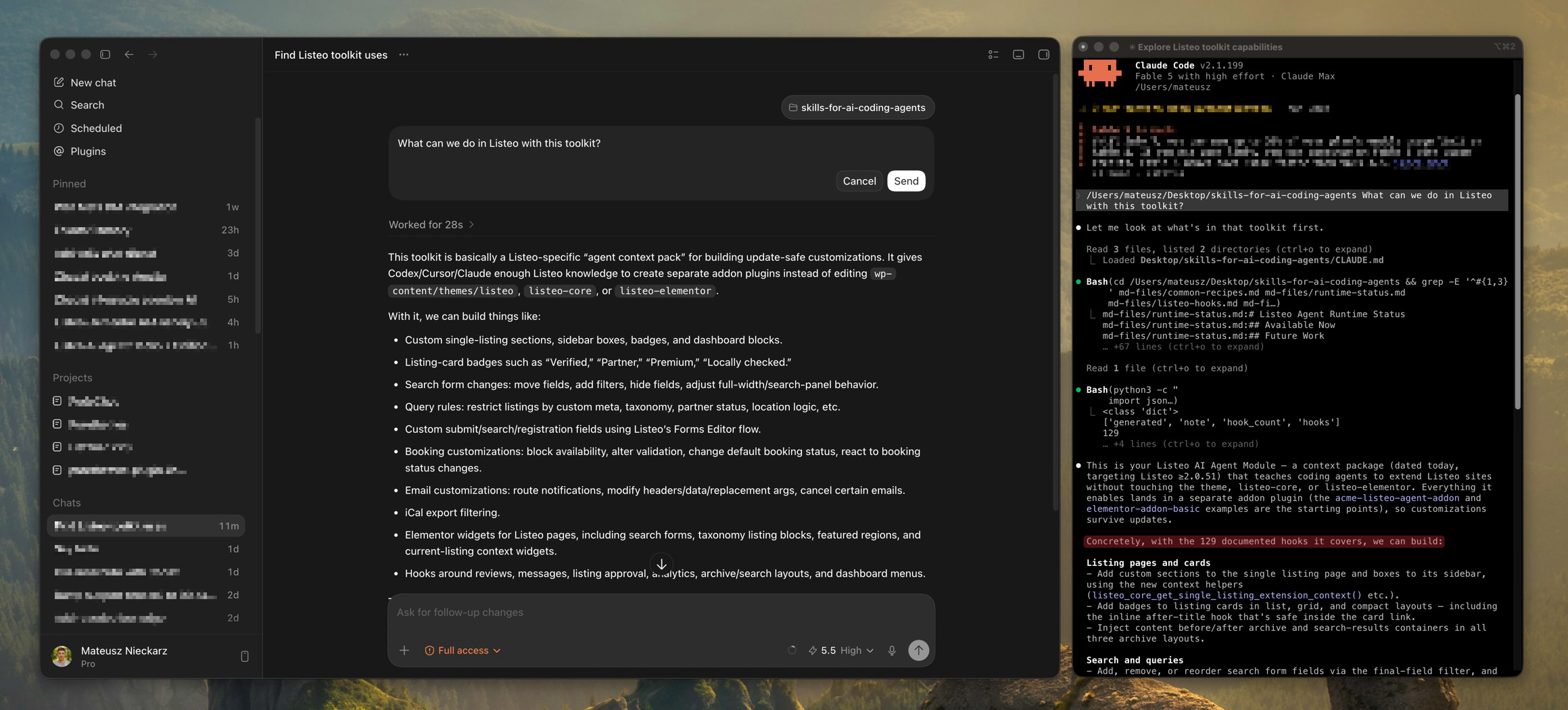
The Listeo AI Agent Toolkit is a downloadable package for Claude Code, Cursor, Codex, and other AI coding agents. It helps agents customize Listeo in an update-safe way, without editing core theme or plugin files directly.
The toolkit includes:
- AI agent instructions for working with Listeo safely
- Listeo runtime 130+ hooks and extension points
- Common customization recipes
- Example add-on plugin code
- Example Elementor widget add-on code
- WordPress security, escaping, i18n, and update-safe development rules
How to Use It
- Go to purethemes.net/customer-portal/ and enter your Listeo license key.
- Download the Skills for AI Coding Agents package.
- Add the folder to your Claude Code, Cursor, or Codex project context.
We recommend adding Listeo theme and two plugins (Listeo Core and Listeo Elementor) to the project to give AI better context. - Ask your AI coding agent to read the toolkit before making changes.
- Coding agent will create a separated plugin or MU plugin with your customizations.
- Do not edit Listeo theme, Listeo Core, or Listeo Elementor files directly. This keeps your custom features separate from Listeo itself, so future theme and plugin updates do not overwrite your changes.